817873_INS_Scanner Mouse
Size:5”Wx4.75”H_Output:100%_Prints:1/1,Blk
16
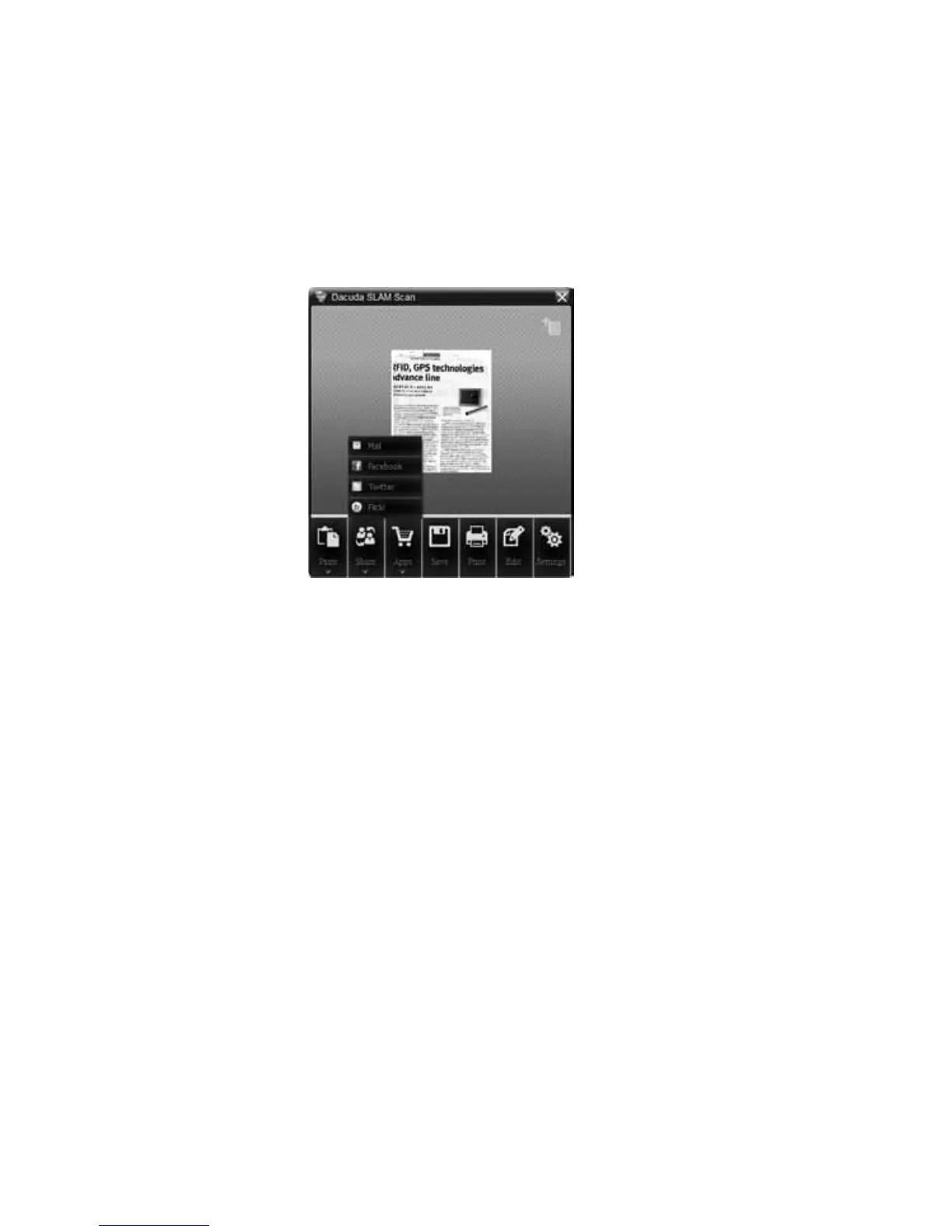
USING THE SHARE FEATURE
If you press the Share button, four options are displayed. When you use this
function for the first time, you will be asked to authenticate your account. Once the
authentication is complete, you can use these services with your account.
Caution: Do not open multiple applications.
Using email: Click the Mail icon to attach an image as a .jpg file to the added
email application.
Flickr, Twitter or Facebook: Click the Flickr, Twitter or Facebook icon to share your
images on the Web. In the upload window, enter the name of the image and click
the Post button. Once uploading is complete, the “View posted image on window”
appears. To check whether the upload is successful or not, click Show to see the
uploaded image in the application.



 To Next Page