Brose Display Allround | Operation and Control 33 | EN
System Settings
Battery Status
Clock
Light
Unit format
km
Time format
12h
Shutdown Time
Default Settings
Custom.Assistance
System
BACK
(2)
(1)
(4)
(5)
(3)
(6)
(8)
(7)
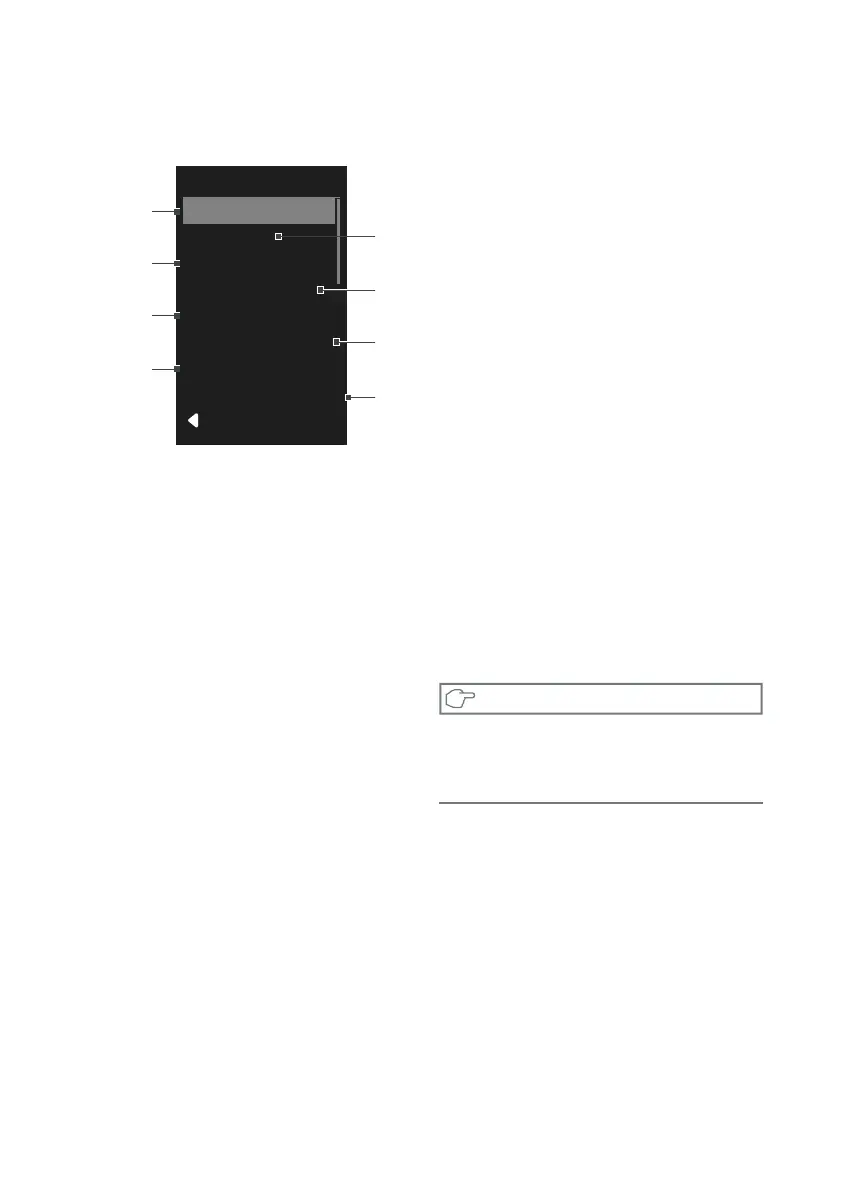
Fig. 8: System Settings
Navigate to the «System» sub-point.
You can use the «Plus» (Fig. B-d) and
«Minus» (Fig. B-e) keys to select the required
setting and open it and, if necessary, further
submenus using the «Menu» key (Fig. B-b).
From the respective point, you can return to
the previous menu by pressing the «Light» key
(Fig. B-c). Alternatively, call up the last menu
item with «Back».
You can make the following settings here:
(1) «Light»
» Activate automatic bike lighting
» Switch bike lighting on continuously
(2) «Unit format» The displayed units are
changed between «km/mi» and «km/h
/ mph».
(3) «Time format» (12h/24h) ): The display
times are switched between «12h / 24h».
(4) «Battery status» Choose between
» Battery status as segments
» Battery status in percent (%)
(5) «Clock» (ss : mm) (optional)
» Press the «Menu» key. The hours
display flashes.
» Set the required hour using the «Plus»
and «Minus» keys. Conrm your entry
with the «Menu» key.
» The minute display flashes. Set the
required minute using the «Plus» and
«Minus» keys. Confirm your entry with
the «Menu» key.
» Exit the menu with the help of the
«Light» key.
(6) «Shutdown time»: Define the automatic
switch-off time (1-20min) for your Brose
Drive System.
(7) «Custom.Assistance» Adjust your
assistance mode individually to your
needs.
(8) Reset «Default Settings»
» Select the «Default Settings» menu
point.
» Pressing the «Menu» key again resets
all settings to the delivery status.
NOTE
Please note that not every Brose Drive System
features a «clock» Module. Therefore some
options can´t be seen in your e-Bike Display.


 To Next Page
 Loading...