EasyManua.ls Logo

Brose Allround - User Manual

Brose Allround
40 pages
Go to English
Print Icon
To Next Page IconTo Next Page
Loading...
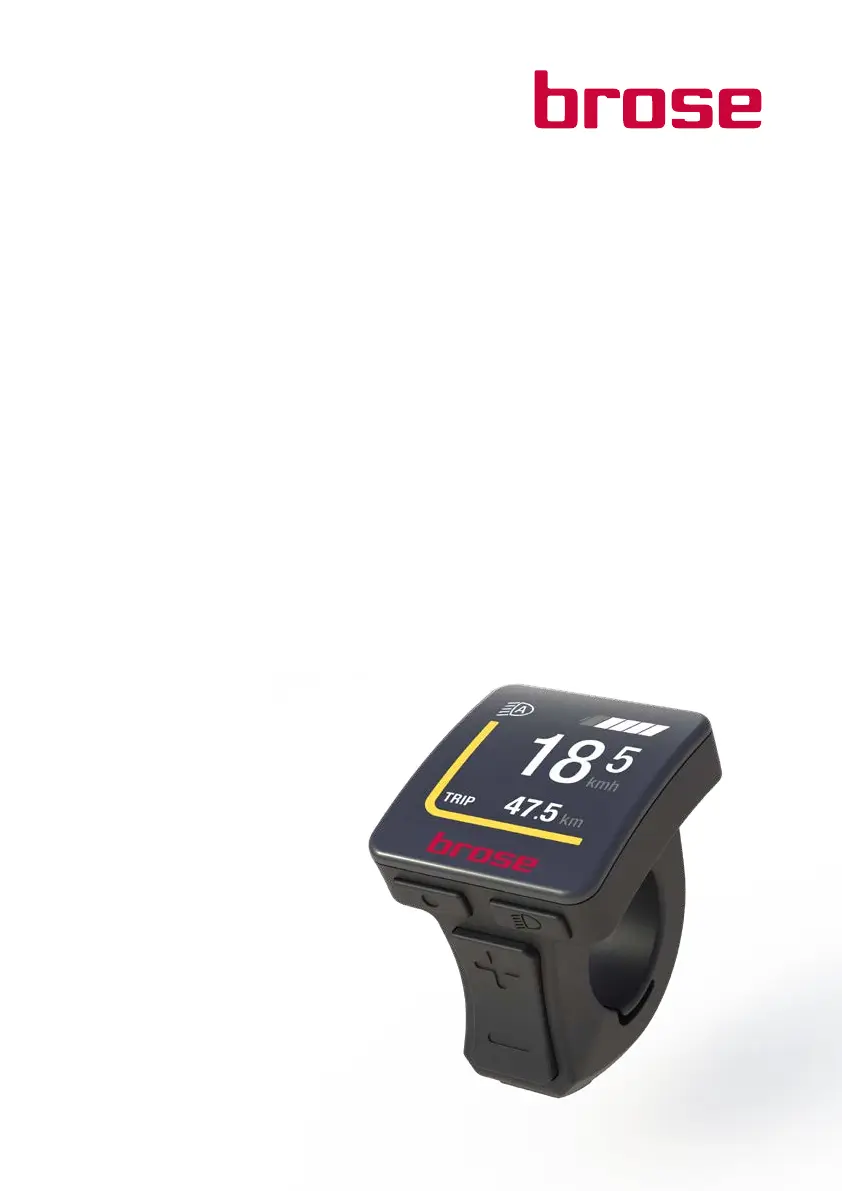
Brose Display Allround
E 41230
DE Benutzerhandbuch 4
EN User Manual 22

Questions and Answers

  • T
    Timothy EllisJul 27, 2025
    Why won't my Brose Bicycle Accessories display unit or drive system turn on?
    • T
      Tracy GonzalezJul 27, 2025
      If your Brose Bicycle Accessories display unit or drive system won't activate, several factors could be at play. First, ensure the battery is correctly clicked into its holder; if not, remove and reinsert it properly. A discharged battery is another common culprit, so charge it fully with the provided charger. Also, verify that the battery and display unit contacts are clean; if soiled, gently clean them with a soft, dry cloth. Confirm that the display unit and drive unit plug connections are correctly inserted. Check the cabling and connections, connecting them correctly if needed.
  • S
    Steve WeaverJul 31, 2025
    How to fix a speed sensor fault on Brose Bicycle Accessories?
    • L
      leesarahJul 31, 2025
      If you're encountering a speed sensor fault with your Brose Bicycle Accessories, check the speed sensor and the position of the spoke magnet to ensure they are correctly aligned.
  • J
    Jessica BradleyAug 5, 2025
    What to do if my Brose Bicycle Accessories display unit doesn't show trip data?
    • N
      Nicole GutierrezAug 5, 2025
      If your Brose Bicycle Accessories display unit isn't showing trip data while the e-bike is moving, the spoke magnet might not be correctly mounted. Check its distance to the speed sensor on the chainstay, ensuring it's between 5 and 17 mm. Adjust the distance if necessary.
  • W
    Whitney BradyAug 9, 2025
    How to troubleshoot bicycle lighting faults in Brose Bicycle Accessories?
    • C
      Christy GriffinAug 9, 2025
      If you're experiencing faults with your Brose Bicycle Accessories lighting, turn off the system completely. Then, inspect all cables and connectors of both the front and rear lighting systems. Once checked, restart the system.
  • D
    David FrankAug 13, 2025
    What to do if the brake lights are faulty on Brose Bicycle Accessories?
    • H
      Hayden GarciaAug 13, 2025
      If you're having issues with the brake lighting on your Brose Bicycle Accessories, turn off the system completely. Next, carefully check all cables and connectors related to the brake system. Finally, restart the system.
  • M
    Mark YoungAug 17, 2025
    Why can't I activate the bicycle lighting on my Brose Bicycle Accessories?
    • A
      andrew04Aug 17, 2025
      If the bicycle lighting on your Brose Bicycle Accessories cannot be activated, check the lighting cable to ensure it is correctly connected. If necessary, connect them correctly.
  • M
    Mary GrahamAug 22, 2025
    What to do if Brose Bicycle Accessories identifies an internal system error?
    • Y
      ymercerAug 22, 2025
      If your Brose Bicycle Accessories system identifies an internal error, restart the system.

Summary

Brose Display Allround Safety Guidelines

Brose Display Allround Product Overview

Product Description and Technical Data

Details on the display's features, components, and technical specifications.

Brose Display Allround Installation and Setup

Assembly Instructions

Step-by-step instructions for mounting the control unit on the handlebar.

Brose Display Allround Operation and Control

Initial Setup and Basic Controls

Covers initial setup, control elements, and system power management.

Display Modes and Settings

Explains display information, modes, and how to adjust system settings.

Walk Assist Function

Details on activating and using the Walk Assist feature for pushing the e-bike.

Brose Display Allround Troubleshooting Guide

Brose Display Allround Service and Maintenance

Maintenance, Inspection, and Transport

Recommendations for regular maintenance, system checks, and safe transport.

Disposal, Liability, and Copyrights

Guidelines for product disposal, manufacturer liability, and copyright information.

Brose Allround Specifications

General IconGeneral
BrandBrose
ModelAllround
CategoryController
LanguageEnglish