Operation and Control | Brose Display AllroundEN | 30
Charge level
white Battery capacity >10%
red
Battery capacity ≤10%
(last segment red)
Tab. 05: Charge Level
Assistance level
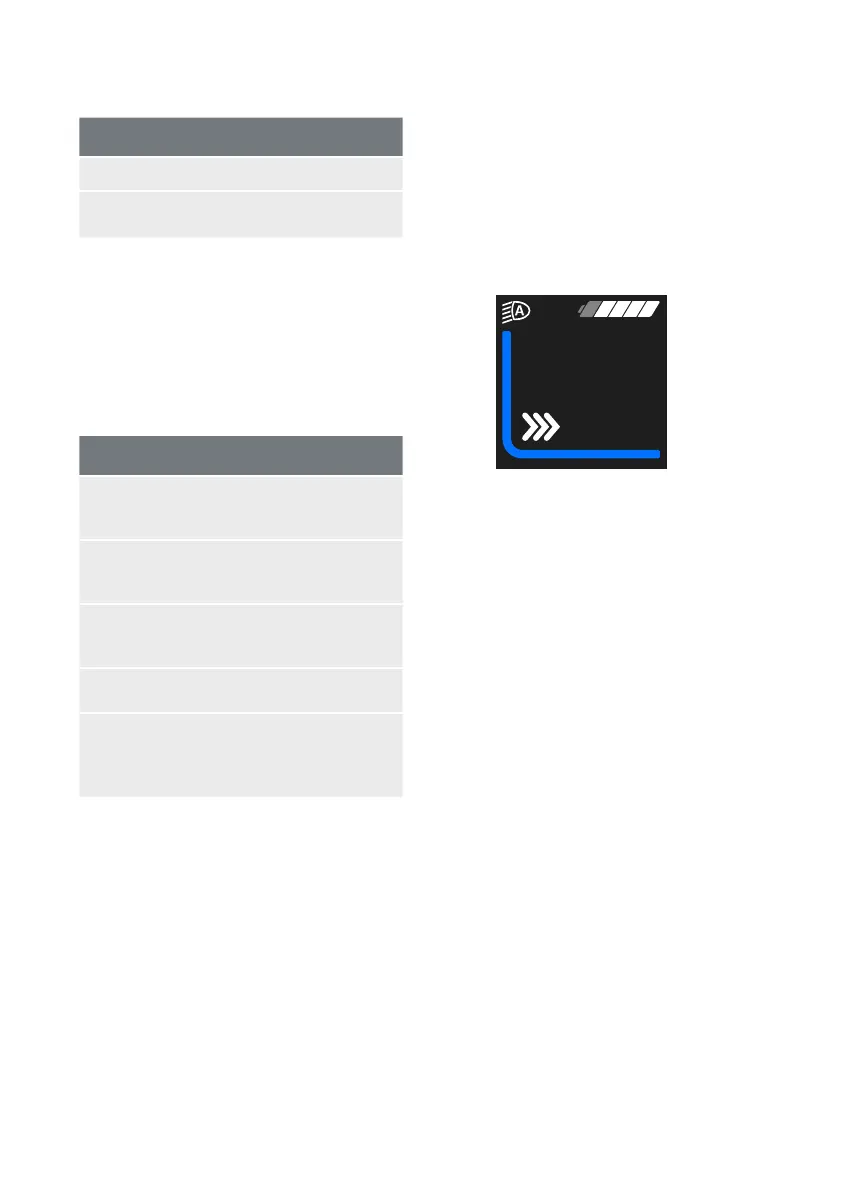
Your Brose Drive System has four assistance
levels. While riding, you will see the level as a
coloured bar (Fig.1-4). The characteristics of
the respective assistance mode can be found
in the following table:
Assistance levels
OFF
(grey): No motor assistance. At
the same time resistance-free
cycling.
ECO
(green): Noticeable motor
assistance for maximum
efficiency and range.
TOUR
(blue): Very noticeable motor
assistance, ideal for lengthy
tours.
SPORT
(yellow): Powerful assistance for
sport cycling
BOOST
(red): Full assistance for sport
cycling, on hilly routes and in
city traffic with normal battery
range
Tab. 06: Assistance Level
You can use the control unit to adjust how
much the e-bike drive assists you when
pedalling. The assistance level can be changed
at any time, even while riding.
To increase the level of assistance, press the
«Plus» key (Fig. B-d) on the control panel until
the desired level of assistance appears on
the display; to decrease, press the «Minus»
key»(Fig. B-e).
For 2 seconds you will see the selected
assistance level in the ride information area
(Fig. 1-5), also as text.
Walk Assist
The Walk Assist (key Fig. B-f) helps you to push
your e-bike.
kmh
3
5
WALK
Fig. 5: Walk Assist (activ)
It is activated as follows:
› Press briefly the «Walk Assist» key (Fig.
B-f) once to activate the feature. The
information «Push» is displayed.
› Then press within 5 seconds the «Minus»
key as long as you need the Walk Assist
feature.
› The e-bike accelerates without pedal
assistance to a speed between 3 and 6
km/h specified by the bicycle manufacturer.
› Release the Walk Assist key to deactivate
the Walk Assist.
The Walk Assist is switched off as soon as one
of the following occurs:
› You release the «Minus» key,
› the speed exceeds 6 km/h.


 To Next Page
 Loading...