English
05
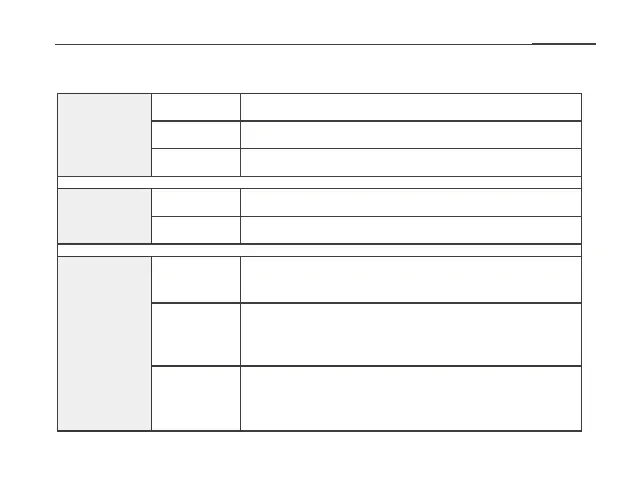
LED/Descriptions
The extender is powered on.
The extender is starting.
Trying to set up connection with WiFi router via WPS.
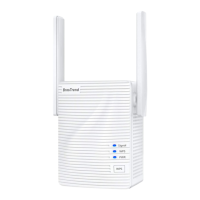
PWR LED
WPS LED
Signal LED
The extender is powered o.
Solid on
Blinking
O
Blinking
O WPS connection is completed or not activated.
Solid blue
Solid red
O
Not optimal connection between the extender
and your WiFi router. Please relocate the
extender closer to your WiFi router.
Best connection between the extender and your
WiFi router.
No connection between the extender and your
WiFi router. Please relocate the extender closer to
your WiFi router.


 To Next Page