14
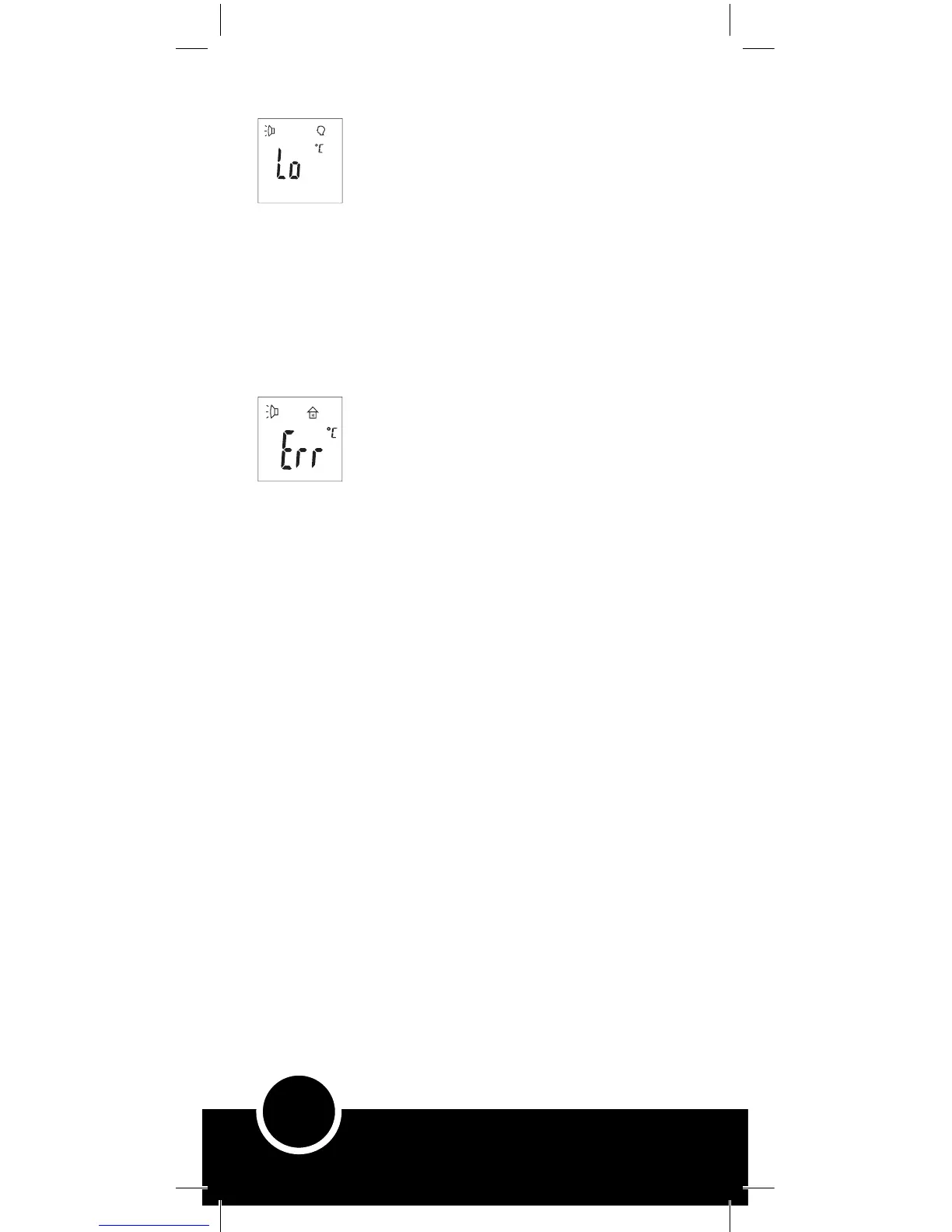
Error Messages:
Reason:
1. Temperature reading hampered by hair,
perspiration or environmental conditions such as
exposure to cold or air flux.
2. The measuring distance is too far.
Solution:
1. Ensure there is no obstruction prior to taking
temperature and there is no air flux (such as breeze
of wind).
2. Sitting next to a cold air conditioning unit or
hot radiator will directly interfere with Forehead
temperature.
3. Adhere to the measuring distance (2 – 5cm).
Reason:
1. Ambient (Room) temperature is not within the
operating range (16.0 – 40.0°C or 60.8 – 104.0°F).
2. The sensor or thermometer is damaged.
Solution:
Allow the thermometer to adjust to the room
environment by remaining in a room for 30 minutes
at the correct operating range temperature before
taking a temperature.
If not caused by out of range room temperature
then stop using and please contact us (see ‘Further
information’).
Compliance:
• This infrared thermometer device complies with the requirements of
the Medical Device Directive 93/42/EEC.
Calibration:
• This infrared thermometer device is initially calibrated at the time
of manufacture.
• If the thermometer is used and cared for according to the instructions
in this user manual, periodic re-adjustment is not required.
• If at any time you question the accuracy, contact Brother Max.



 To Next Page