8
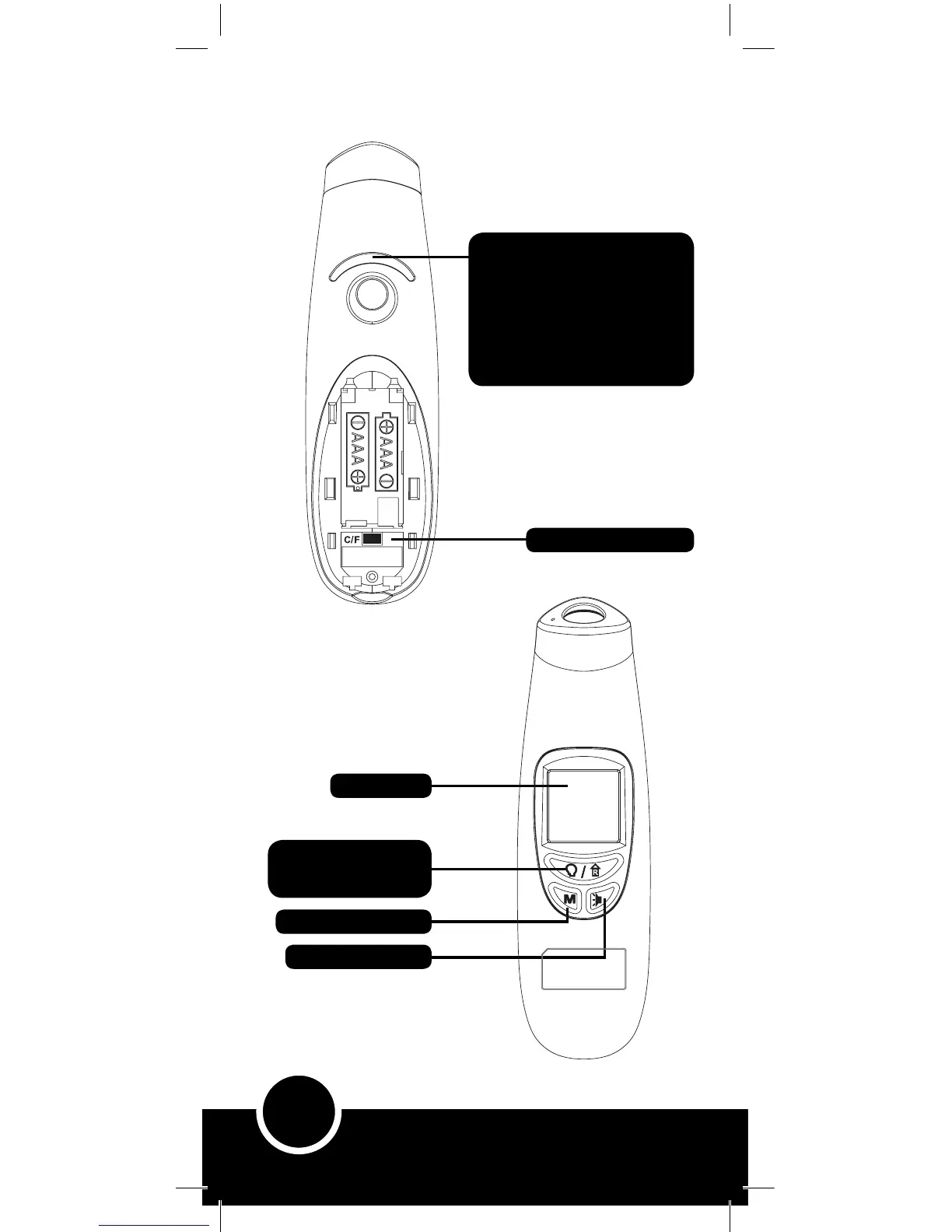
Function mode button –
• Forehead (Body)
• Ambient (Room)
Memory function button
Sound ON/OFF button
Screen Display
Celsius/Fahrenheit button
Temperature Range Indicator –
Green / Orange / Red
Green = Normal* temperature range
Orange = Raised* temperature range
Red = High* temperature range
Note: Since the above temperature
ranges are averages, refer to page
5 for normal temperature ranges by age
Key to Functions & Screen Display- Continued



 To Next Page