EasyManua.ls Logo

Brother Computerized Sewing Machine - User Manual

Brother Computerized Sewing Machine
66 pages
Print Icon
To Next Page IconTo Next Page
Loading...
ncbc_brother_cover_Eng
PANTONE 285 K
English
885-S33/S34/S36/S37
XC8835-4216
Printed in China
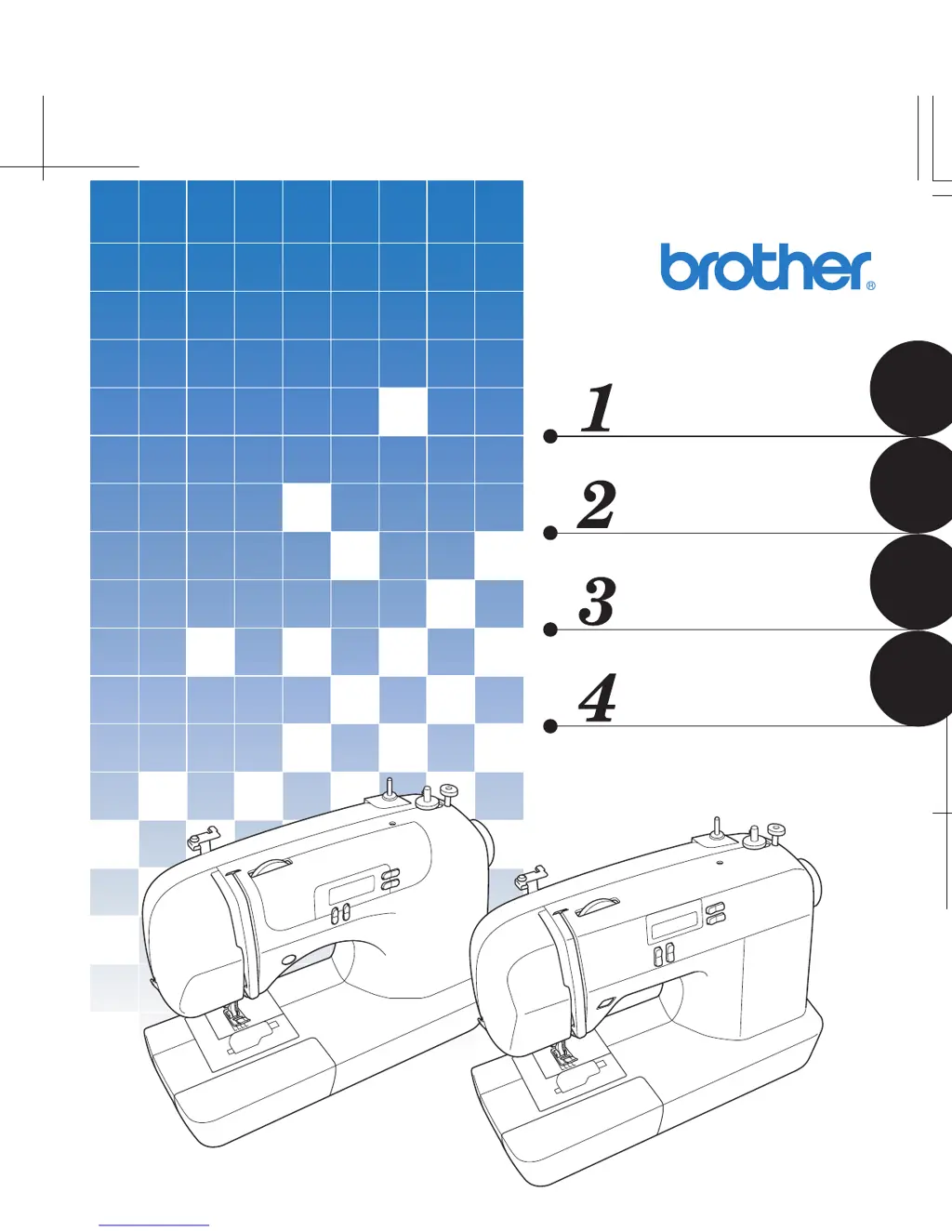
Operation Manual
Computerized Sewing Machine
APPENDIX
UTILITY STITCHES
SEWING BASICS
KNOWING YOUR
SEWING MACHINE

Table of Contents

Questions and Answers

  • S
    Seth OlsonAug 15, 2025
    Why does my Brother Computerized needle keep breaking?
    • G
      Gloria WuAug 15, 2025
      If your Brother Sewing Machine needle breaks, it might be due to several reasons. Ensure the needle is correctly fitted and the needle clamp screw is tightened with a screwdriver. Replace the needle if it's bent or blunt. Use the correct combination of fabric, thread, and needle. Ensure the presser foot matches the stitch type. Loosen the upper thread tension and use only bobbins designed for your machine.
  • G
    gerald91Aug 18, 2025
    How to fix a Brother Sewing Machine that does not work?
    • B
      Brian BarrettAug 18, 2025
      If your Brother Sewing Machine isn't working, check if it's plugged in and the main power switch is on. Also, ensure the bobbin winder shaft is moved to the left and that you're using the foot controller correctly.
  • D
    Deborah ScottAug 21, 2025
    What to do if the upper thread keeps breaking on my Brother Computerized Sewing Machine?
    • K
      Karen SmithAug 21, 2025
      If the upper thread of your Brother Sewing Machine is breaking, make sure you've threaded the upper thread correctly, ensuring the spool is fitted properly and the thread is correctly guided. Use a needle appropriate for the thread and stitch type. Loosen the upper thread tension, and replace the needle if it's bent or blunt.
  • D
    Douglas ShahAug 25, 2025
    Why are stitches skipped on my Brother Computerized?
    • M
      maryquinnAug 26, 2025
      If stitches are skipped on your Brother Sewing Machine, correct the upper threading and use the right combination of fabric, thread, and needle. Replace the needle if it's bent or blunt, and insert the needle properly. Remove the needle plate cover and clean the plate and bobbin case if dust has accumulated.
  • T
    Tyler MyersAug 27, 2025
    What to do if the fabric does not feed through my Brother Sewing Machine?
    • M
      Mr. Earl Haley DVMAug 27, 2025
      If the fabric doesn't feed through your Brother Sewing Machine, slide the feed dog position lever. Ensure you're using the right combination of fabric, thread, and needle. Also, remove any tangled thread, and if the thread is tangled in the bobbin case, clean the bobbin case.
  • S
    Sydney SullivanAug 30, 2025
    What causes the lower thread to tangle or break in a Brother Sewing Machine?
    • L
      lindsay48Aug 31, 2025
      If the lower thread of your Brother Sewing Machine is tangled or breaks, wind the bobbin thread properly and reset the bobbin thread correctly.
  • K
    Kristen TorresSep 2, 2025
    Why can't I use the needle threader on my Brother Sewing Machine?
    • D
      derrick68Sep 2, 2025
      If you cannot use the needle threader on your Brother Sewing Machine, raise the needle either by turning the handwheel toward you (counterclockwise) so that the mark on the wheel points up or by pressing the needle position button once or twice. Also, ensure that the needle is inserted properly.
  • L
    Lisa FletcherSep 5, 2025
    Why is my Brother Computerized making a high-pitched noise?
    • T
      tlewisSep 5, 2025
      If your Brother Sewing Machine is making a high-pitched noise while sewing, clean the bobbin case. Correct the upper threading. If the bobbin case is scratched, replace it. Contact your retailer or the nearest authorized service center.
  • D
    danielle98Sep 8, 2025
    What to do if the stitch is not sewn correctly on my Brother Computerized Sewing Machine?
    • D
      David ArmstrongSep 8, 2025
      If the stitch is not sewn correctly on your Brother Sewing Machine, attach the presser foot that is correct for the type of stitch that you want to sew. Adjust the tension of the upper thread. Remove any tangled thread. If the thread is tangled in the bobbin case, clean the bobbin case.
  • M
    Michael WongSep 12, 2025
    Why is the fabric wrinkled after sewing with my Brother Sewing Machine?
    • M
      Mike FrancoSep 12, 2025
      If the fabric is wrinkling while using your Brother Sewing Machine, thread the upper thread and wind the bobbin thread correctly. Also, ensure you're using the right combination of fabric, thread, and needle. Replace the needle if it is bent or blunt, and adjust the tension of the upper thread.

Summary

Knowing Your Sewing Machine

Names of Machine Parts and Functions

Identifies and describes the various parts, operation panel, and controls of the sewing machine.

Using Your Sewing Machine

Provides instructions on operating the sewing machine, including power and foot controller usage.

Threading the Machine

Step-by-step guides for winding bobbins and threading the machine for sewing.

Needle and Presser Foot Replacement

Instructions on how to safely remove and replace the needle and presser foot.

Sewing Basics

General Sewing Procedure

Outlines the fundamental steps for operating the sewing machine from start to finish.

Useful Sewing Tips

Provides advice for achieving better results in sewing projects, including curves and fabric handling.

Utility Stitches

Overcasting and Basic Stitching

Instructions for overcasting seams and performing basic stitches like zigzag and straight stitch.

Blind Hem and Buttonhole Sewing

Guides on how to perform blind hem stitching and sew buttonholes accurately.

Zipper Insertion and Special Stitches

Procedures for zipper insertion, sewing stretch fabrics, and decorative stitches.

Appendix

Stitch Settings Reference

Lists applications, stitch lengths, widths, and twin needle compatibility for utility stitches.

Machine Maintenance

Simple operations for cleaning the sewing machine surface and bobbin case.

Troubleshooting and Error Messages

Possible causes and solutions for common sewing machine problems and error messages.

Brother Computerized Sewing Machine Specifications

General IconGeneral
BrandBrother
ModelComputerized Sewing Machine
CategorySewing Machine
LanguageEnglish

Related product manuals