EasyManua.ls Logo

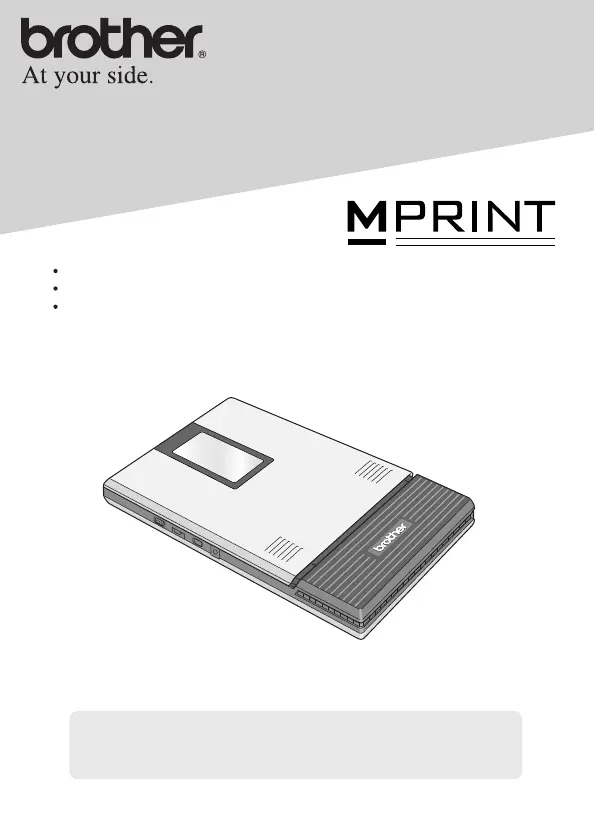
Brother MW-260 - User Manual

Brother MW-260
45 pages
Print Icon
To Next Page IconTo Next Page
Loading...
!
Before using this printer, be sure to read this User’s Guide.
!
We suggest that you keep this manual in a handy place for future
reference.
User’s Guide
General Description
Operating Procedures
Appendix, etc.
MW-260
Mobile Printer

Other manuals for Brother MW-260

Questions and Answers

  • S
    Sonia SmithAug 11, 2025
    What to do if my Brother Printer doesn't print after issuing the command?
    • E
      Eric RobbinsAug 11, 2025
      If your Brother Printer doesn't print after you've sent the command, here are a few things to check: * Ensure there are no obstructions between the printer and your device (Pocket PC or phone) and they're within 20 cm of each other. * If a USB cable is connected, disable it. * If using an AC adapter, unplug it to rule out electrical outlet noise. * Verify the interface switch setting: for IrDA, the status indicator should be green; for Bluetooth, it should be blue. * Confirm Bluetooth communication is enabled in your computer or Pocket PC settings. * Ensure no other device is sending data via USB or Bluetooth. * Check the USB cable connection to the computer is secure.
  • S
    Samantha BeckerAug 19, 2025
    Why doesn't my Brother MW-260 feed paper?
    • M
      Mary MartinezAug 19, 2025
      If your Brother Printer isn't feeding paper, consider the following: * Ensure the paper cassette lid is firmly folded along the crease. * Verify that the paper cassette cover is securely closed. * The paper might be dirty; remove the first sheet from the back of the cassette and re-install. * Clean the pick-up roller.
  • P
    Patrick KingAug 27, 2025
    How to close the paper cassette cover on my Brother Printer?
    • C
      Courtney CollinsAug 27, 2025
      If the paper cassette cover on your Brother Printer won't close, it might be locked. Use the tip of a ball-point pen to slide the part indicated by “A” in the illustration in the direction of the arrow to free it. Also, ensure that you insert the pins into the white paper cassette cover holders (at the areas shown by “B”) until they snap into place, angling the parts to form a “V” for easier snapping.
  • J
    jeffreyrobbinsSep 2, 2025
    What to do if the Brother MW-260 error cannot be cancelled after removing misfed paper?
    • R
      Rodney ColonSep 2, 2025
      Some torn paper may still remain in the printer. Contact the sales representative where the printer was purchased.

Brother MW-260 Specifications

General IconGeneral
TypeMobile Printer
Weight0.25 kg
Print Resolution300 dpi
ConnectivityUSB, Bluetooth
Battery TypeLithium-ion
Battery Life (labels)Not specified in the official specs.
Dimensions (W x D x H)113 mm x 70 mm x 32 mm
Operating SystemsAndroid, iOS, Windows
Media SizeUp to 58mm width
Supported Media WidthUp to 58 mm

Related product manuals