C.
HOW TO ADJUST THE ELEMENTS
2. Height
of
needle bar
-
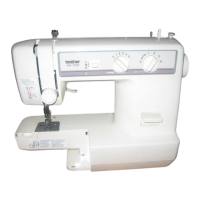
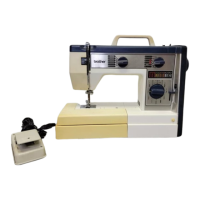
VX511, VX541, VX561, VX581, VX516, VX546
VX566, VX586, VX611, VX641, VX661, VX681
VX616, VX646, VX666, VX686, VX710, VX720
VX740, VX760, VX780
Before adjustment: Set the stitch
width regulator at
5
(Max.) and check
needle comes to the right side.
\q
0'
#$;-
1
\,;-.
1.0
mm
-
0"
0
mm
1
-
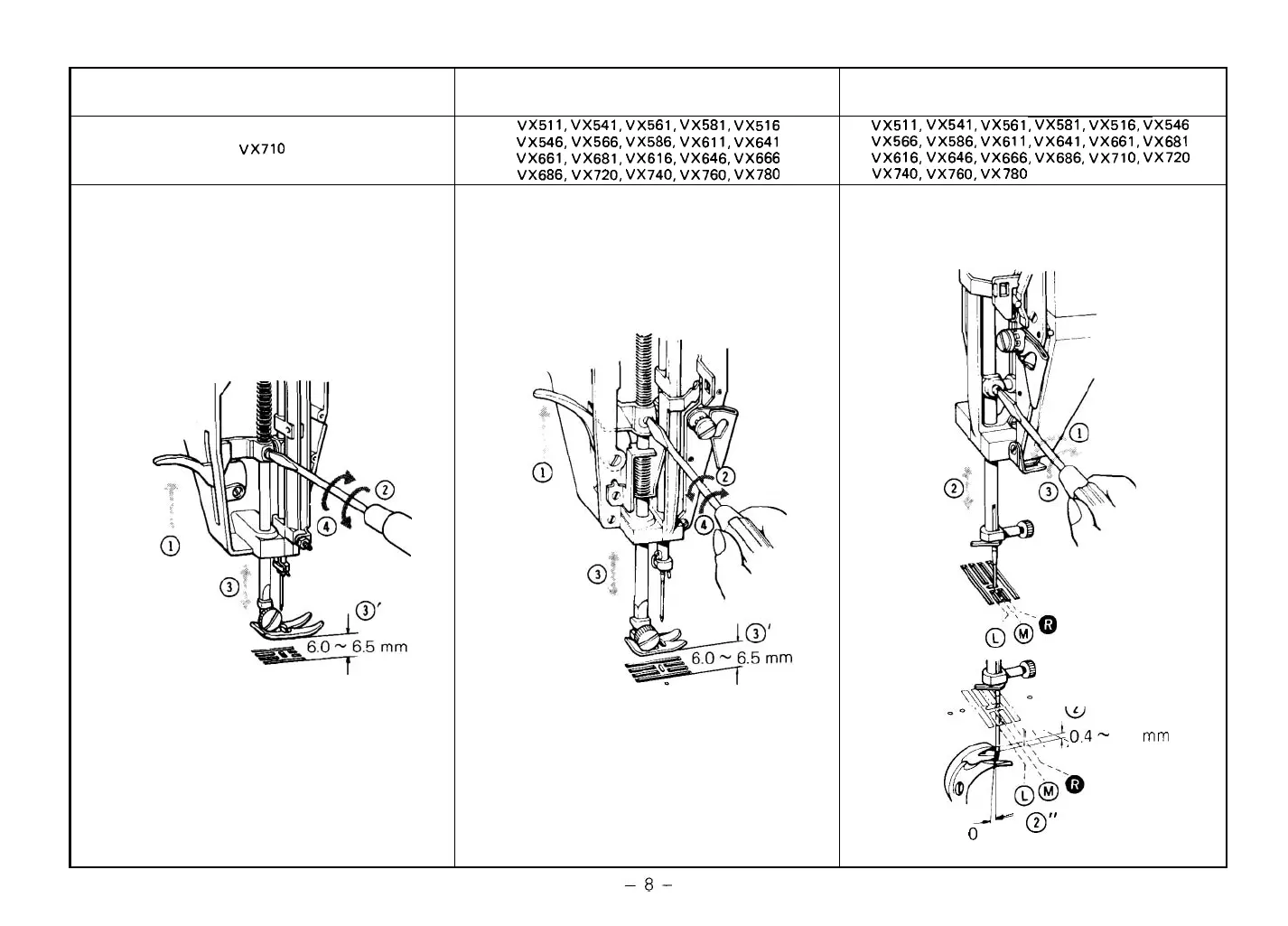
1. Height
of
presser bar
VX710
1
-
2. Height
of
presser bar
VX511, VX541, VX561, VX581, VX516
VX546, VX566, VX586, VX611, VX641
VX661, VX681, VX616, VX646, VX666
VX686, VX720, VX740, VX760, VX780



 To Next Page