Subsection XX (COMMUNICATION TOOLS AND B.U.D.S.)
529035697
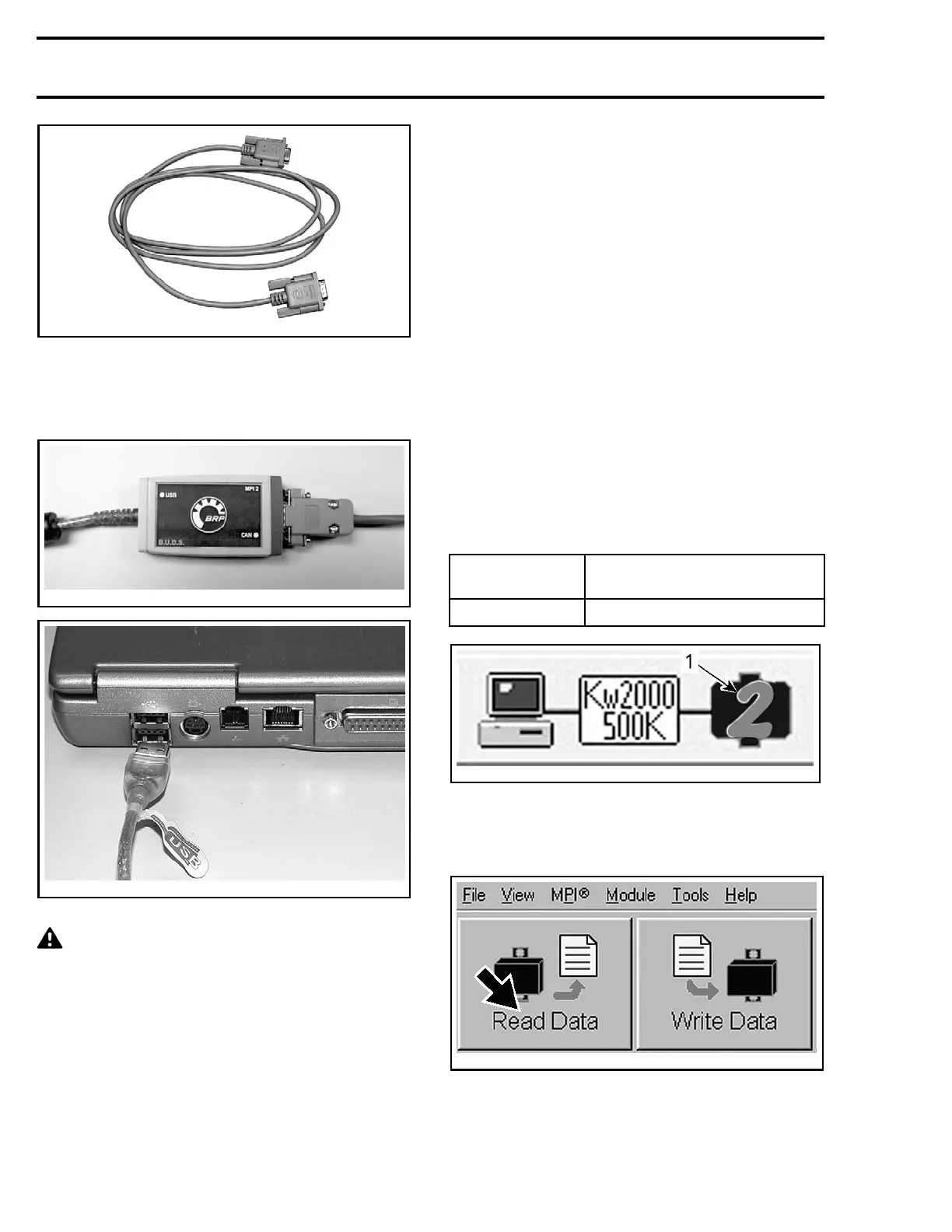
OPTIONAL MALE-FEMALE EXTENSION SERIAL CABLE
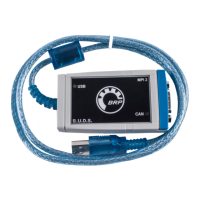
4. Connect the MPI-2 INTERFACE CARD (P/N 529
036 018)
to the USB port of a PC (personal
computer).
vdd2006-001-151
mmr2006-079-200
MPI-2 INTERFACE CARD CONNECTED TO USB PORT
CAUTION If the computer you are using is
connected to a power outlet, there is a poten-
tial risk of electric shock when working in con-
tact with water. Be careful not to touch water
while working w ith the computer.
5. Use B.U.D.S. software as described further in
B.U.D.S. SOFTWARE
.
B.U.D.S. SOFTWA RE
B.U.D.S. (BRP Utility and Diagnostic Software)
is designed to allow programming key(s) to the
vehicle, allow electrical and electronic component
monitoring, activation of certain components for
diagnostic purposes, and to carry out settings
changes.
Always use the latest applicable B.U.D.S. version
available on BOSSWeb.
How to Read the Electronic Control
Units Using B.U.D.S. Software
IMPORTANT: Ensure all connections have been
made before starting B.U.D.S. to allow proper
operation. Refer to
MPI-2
in this subsection.
1. Press the START button to wake up the electri-
cal system.
2. Install the tether cord on the engine cut-off
switch.
3. Start B.U.D.S. and logon.
NOTE: B.U.D.S. will automatically choose the ap-
propriate MPI 2 protocol.
4. Ensure the appropriate number of modules is
shown in the status bar.
NUMBER OF
MODULES
MODULES
2
ECM and m u ltifu nc tion gauge
tmr2011-019-002_b
STATUS BA
R
1. Number of modules r ead by B.U.D.S.
5. Read electronic modules by clicking the Read
Data button.
vmr2006-012-100_aen
B.U.D.S. is now ready to use.
4 smr2014-026


 To Next Page
 Loading...