52
A13254B
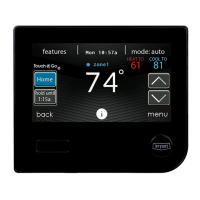
• Plug the micro SD card into the bottom of the Evolution Connex
Control and click on the UPDATE SOFTWARE USING MICRO
SD CARD.
• Press Yes to continue with the software upgrade. The upload and
installation will take several minutes.
• When the software upgrade is complete, a “successful” message will
appear. Click DONE.
• The Evolution Connex Control will perform a restart after the DONE
button is pressed. Once the Evolution Connex Control has
successfully restarted, the micro SD card may be removed.
• This completes the software upgrade process.
13.5. Updating Software Using Wi-Fi®
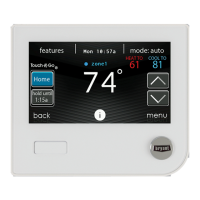
When software updates are available, this reminder message will be
displayed on the home screen.


 To Next Page