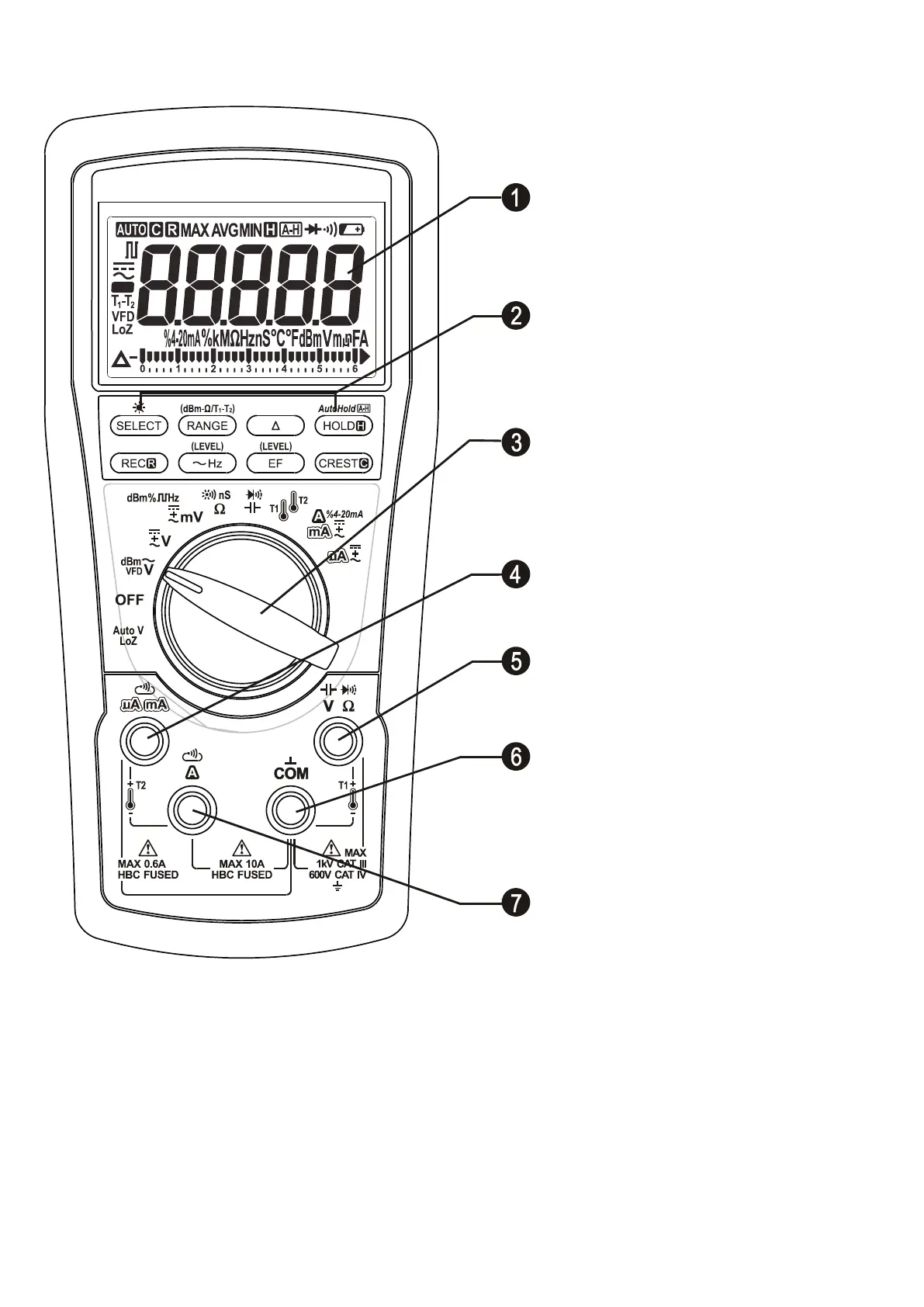
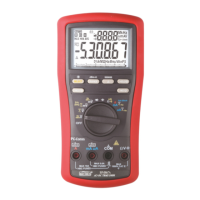
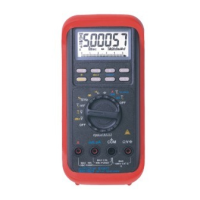
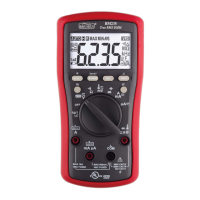
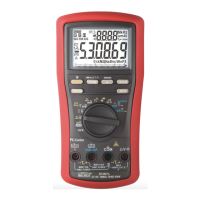
1) 4-5/6 digits 60000 counts
display
2) Push-buttons for special
functions & features
3) Selector to turn the Power On
or Off and Select a function
4) Positive Input Jack for T2 and
mA/µA functions
5) Positive Input Jack for all
functions EXCEPT T2, A and
µA/mA
6) Common/ Negative (Ground
reference) Input Jack for all
functions EXCEPT T2
7) Positive Input Jack for A
function while Negative for T2
Analog bar-graph
The analog bar graph provides a visual indication of measurement like a traditional
analog meter needle. It is excellent in detecting faulty contacts, identifying
potentiometer clicks, and indicating signal spikes during adjustments.
4) OPERATION
Note: Before and after hazardous voltage measurements, test the voltage function on



 To Next Page