16
Battery and Fuse replacement
Battery use:
9V alkaline battery NEDA1604A, JIS6AM6 or IEC6LF22
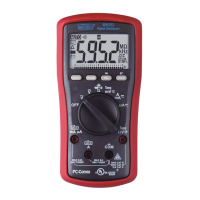
BM857:
Fuse (FS1) for
µ
AmA current input: 0.63A/500V, IR 200kA, F fuse;
Fuse (FS2) for A current input: 12.5A/500V, IR 20kA, F fuse
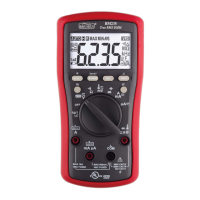
BM859CF:
Fuse (FS1) for
µ
AmA current input: 1A/600V, IR 100kA, F fuse
Fuse (FS2) for A current input: 15A/1kV, IR 10kA (or 11A/1kV, IR 20kA), F fuse
*The 0.44A fuse is also recommended since it has a Time-Current Characteristic
Curves projection of approaching infinity at 0.5A. It can also be loaded way beyond
1000 seconds at 1A, and has a fast acting characteristic of below 0.01 second at
beyond 2.5A. This protection characteristic also matches our meter nicely.
Battery replacement for models with battery access door:
Loosen the 2 screws from the battery access door of the case bottom. Lift the battery
access door and thus the battery compartment up. Replace the battery. Re-fasten the
screws.
Fuse replacement (and also
Battery replacement for splash
proof version without battery
access door):
Loosen the 4 screws from the
case bottom. Lift the end of the
case bottom nearest the input
jacks until it unsnaps from the
case top. Replace the blown
fuse(s) and/or the battery.
Replace the case bottom, and
ensure that all the gaskets are
properly seated and the two
snaps on the case top (near the
LCD side) are engaged.
Re-fasten the screws.



 To Next Page