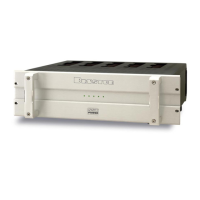
28B-SST Amplifier
2
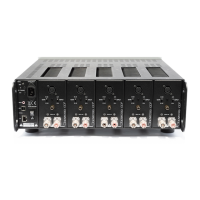
Rear Panel Input / Output Connections
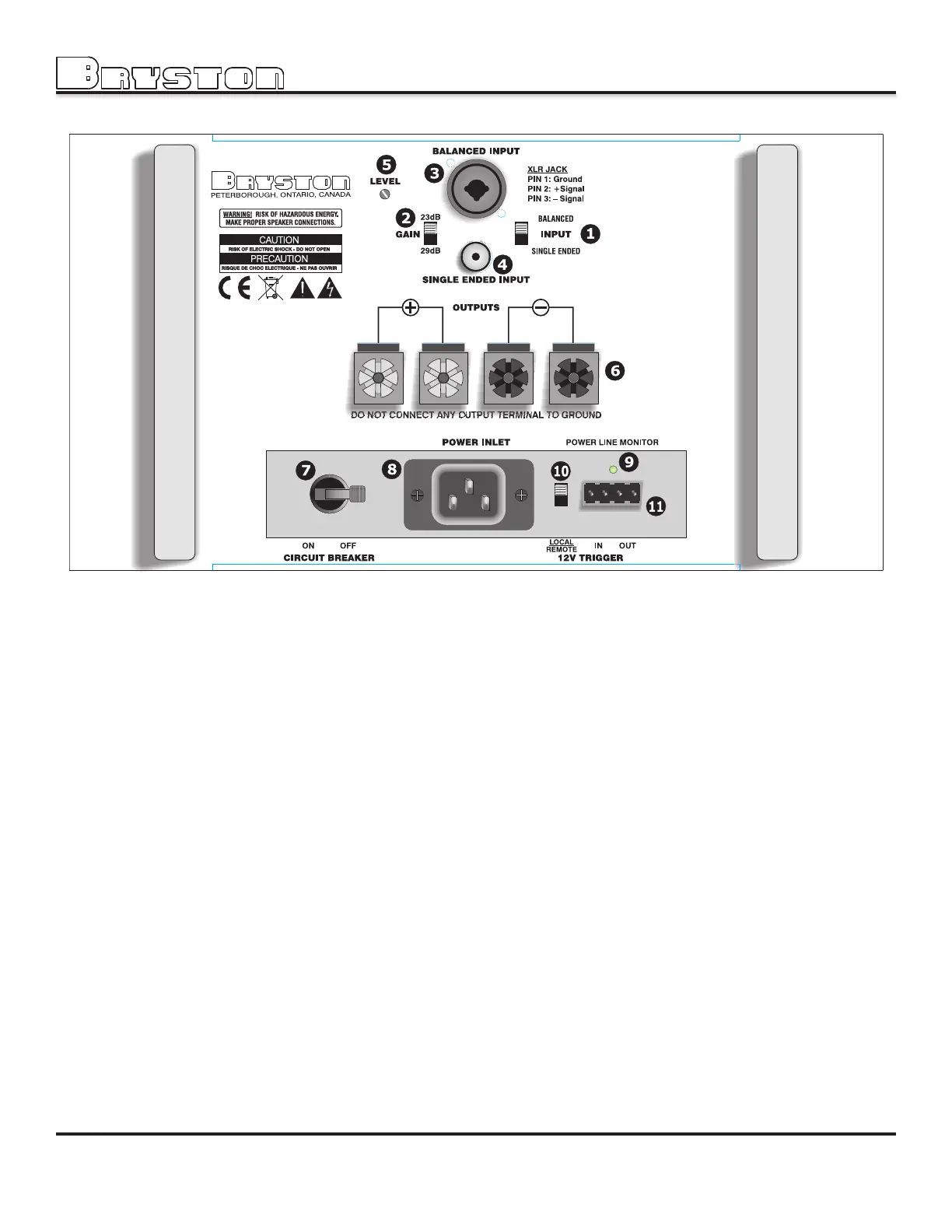
1. Input Select Switch.
The INPUT SELECT switch gives the user the option of switching between either balanced input or single ended input.
2. Input Sensitivity Selection.
This switch sets the gain of the amplifier to either 23dB or 29dB. The optimum gain setting will depend upon the source
pre-amp operating level, and or personal preference. Use the 23dB setting with any systems where the volume control
rotation is limited to the bottom half of the control or less.
3. Balanced Input connector. (input impedance 30KΩ each leg)
When 3-pin XLR jacks are used, pin 1 is ground, pin 2 is positive and pin 3 is negative. If your 28B-SST is equipped with
combination XLR/¼" phone jacks (as shown in the illustration above), the XLR jack will have the same pinout and on the
phone jack the TIP will be positive, RING is negative and the SLEEVE is ground..
Use quality, 100% shielded cables with gold plated connectors.
4. Single Ended Input. ( Un-balanced input) ( Imp. 50KΩ )
This input connector accepts standard ‘RCA’ or ‘Phono’ connectors.
Use quality, 100% shielded cables with gold plated connectors.
Balanced input Vs Single ended input:
The balanced input requires a balanced pre-amp source. Balanced systems provide noise rejection from external
electrical interference, so cable length can be very long ( 50m or longer ).
The single ended or unbalanced input is provided for pre-amps without balanced output. Single-ended cables should
be kept to 20’ (7m) or less. In general never use longer cables than necessary, never coil excess cable length, and
keep signal wires away from AC power or speaker cables.
5. Level Control. ("PRO" models only)
The level control will attenuate the input signal level from 0dB (fully clockwise) through -14dB (fully counter-clockwise).
Figure 1


 To Next Page