5
6
4. Upload Photos and Videos to Your Frame
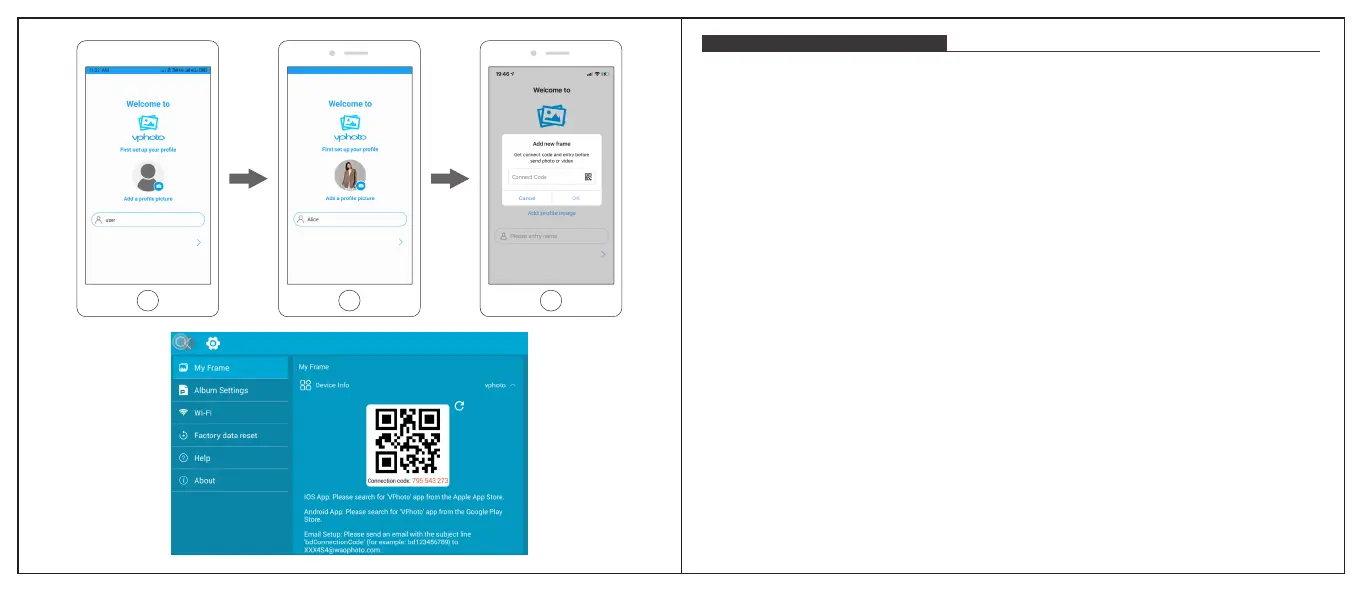
After connecting the App to your frame, you can start adding photos and videos
to your frame anywhere and anytime as below two ways:
① Select the photos or videos of your Albums of your phone to upload and choose the
frame to send. Click the Next Step, you can write caption for each photo and choose the
frame you want to send.Click the right arrow icon to confirm.
② Click Camera icon to take new photos or videos and choose the frame you would like
to send to. Click the right arrow icon to confirm. The photo frame will receive the photos
or videos in seconds, you can check the photo or video library on the frame.
Note:
① If the frame didn’t receive the photos or videos, please reboot the product or check
the Wi-Fi network.
② Each video clip is limited to 200MB.
UPLOADING PHOTOS AND VIDEOS


 To Next Page