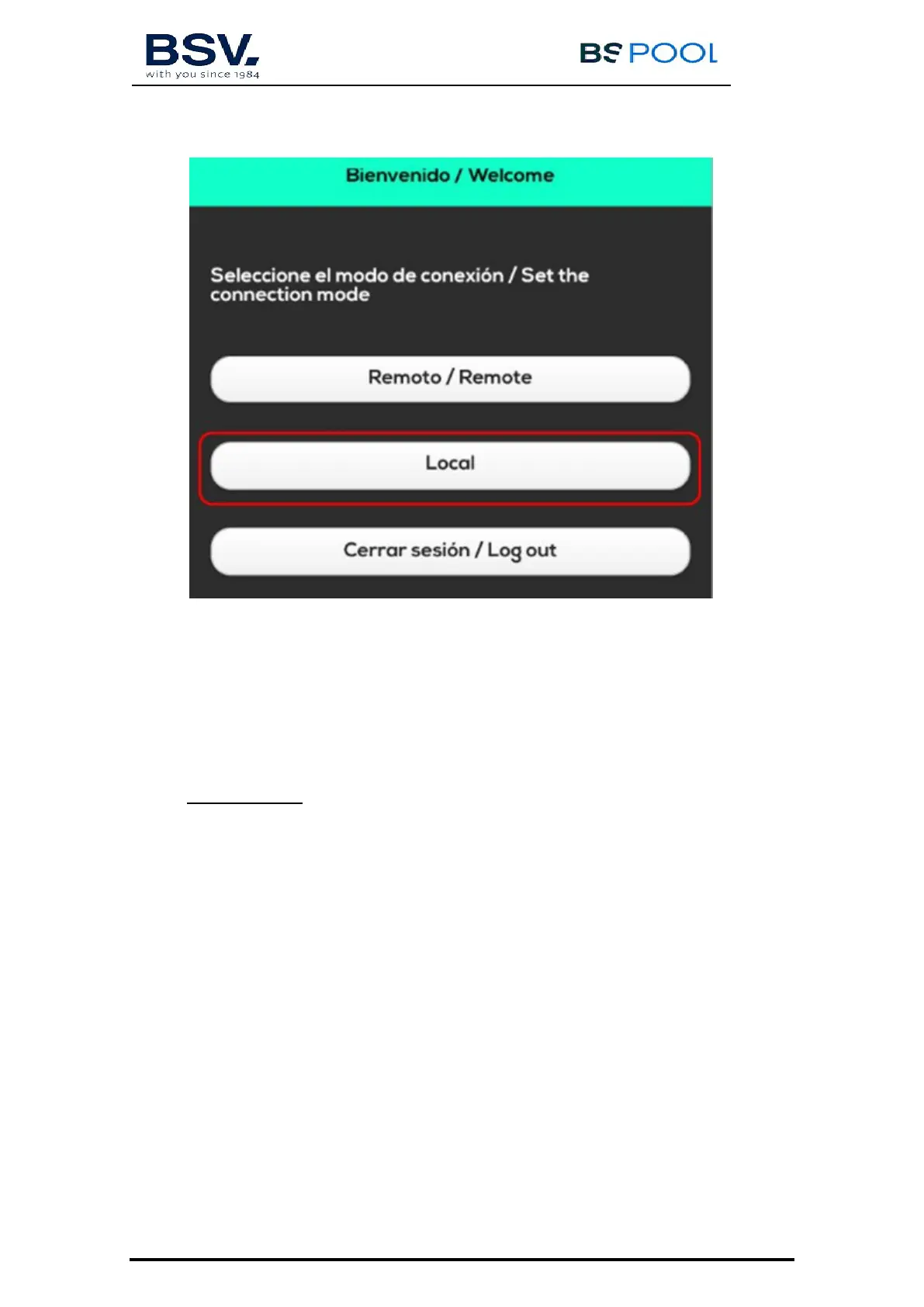
5) Domopools main screen will pop up.
6) Check radio signal is enough to communicate Domopools and
TOUCHEVO.
Change production check point and Test relays response.
Make sure wifi icon on TOUCHEVO lights up green. It means
there is a good radio connection.
IMPORTANT: If it is required to change radio channel. Make sure
TOUCHEVO and Domopools are connected properly.
Change Domopools radio channel. Once wifi icon on TOUCHEVO lights
up white. It means radio connection is lost. Then, change TOUCHEVO
radio channel. Both devices should be at the same radio channel.
Check radio communication LED son Domopools. These will blink once
connection is good (see 5.2.2)
7) Go to configuration menu and select wifi option. Select internet
connection:
a) Connect Ethernet cable now if Ethernet cable connection choosen
b) WiFi. Prepare home wifi details.



 To Next Page