1.2.7 Domopools Troubleshooting
If there is a problema during installation and Domopools become
inaccessible from Internet check, these solutions:
- Home WiFi signal must be good enough at the location of Domopools.
- WiFi SSID or password are wrong. Be careful with capital letter
sensibility. Please follow these steps:
Press Domopools push button for 10 seconds.
Domopools device will reboot and come back to local mode.
Connect again to “Domopools” wifi and configure user connection, follow
section 5.2.5.
1.3- Operation
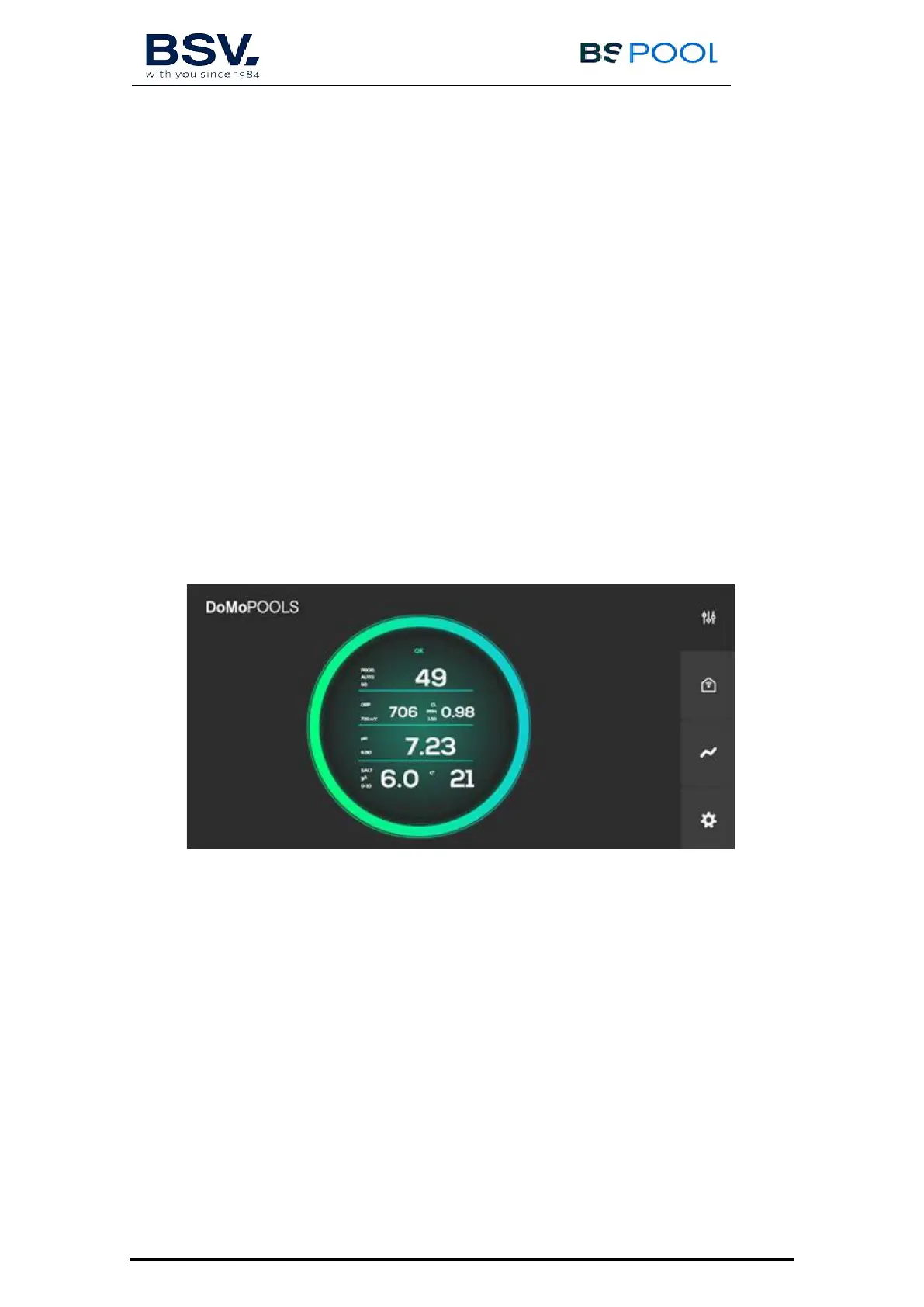
1.3.1- Main screen
Main screen displays: status of chlorinator, probe readings and set
points. Go to any submenus to control chlorinator set points.
1.3.1.1- Production menu
Select mode (Manual or Automatic) or % of production



 To Next Page