1.2.4 Registration
Do not turn on Domopools in this section.
1) Access to www.eypools.com
2) Select “Acceso”, then “Acceder”. Select the second icon on right bar.
Sign in
3) Complete following information:
a. User name
b. Email address.
c. Password
d. Registration serial number (Check section 2 to locate this sticker).
Local Mode
1) Power up Domopools device using micro-usb power cable supplied.
2) After a minute, Domopools wifi network will appear. Password for this
network is: -domopools-
Disable data connection from smartphone.
3) Once smartphone, Tablet or laptop is connected to this network.
Choose these following options:
Connection via Tablet or Smartphone
Download Eypools App from Android or iOS store.
Once user is connected to Domopools wifi, open
Eypools App and select “Local”, go to step 4
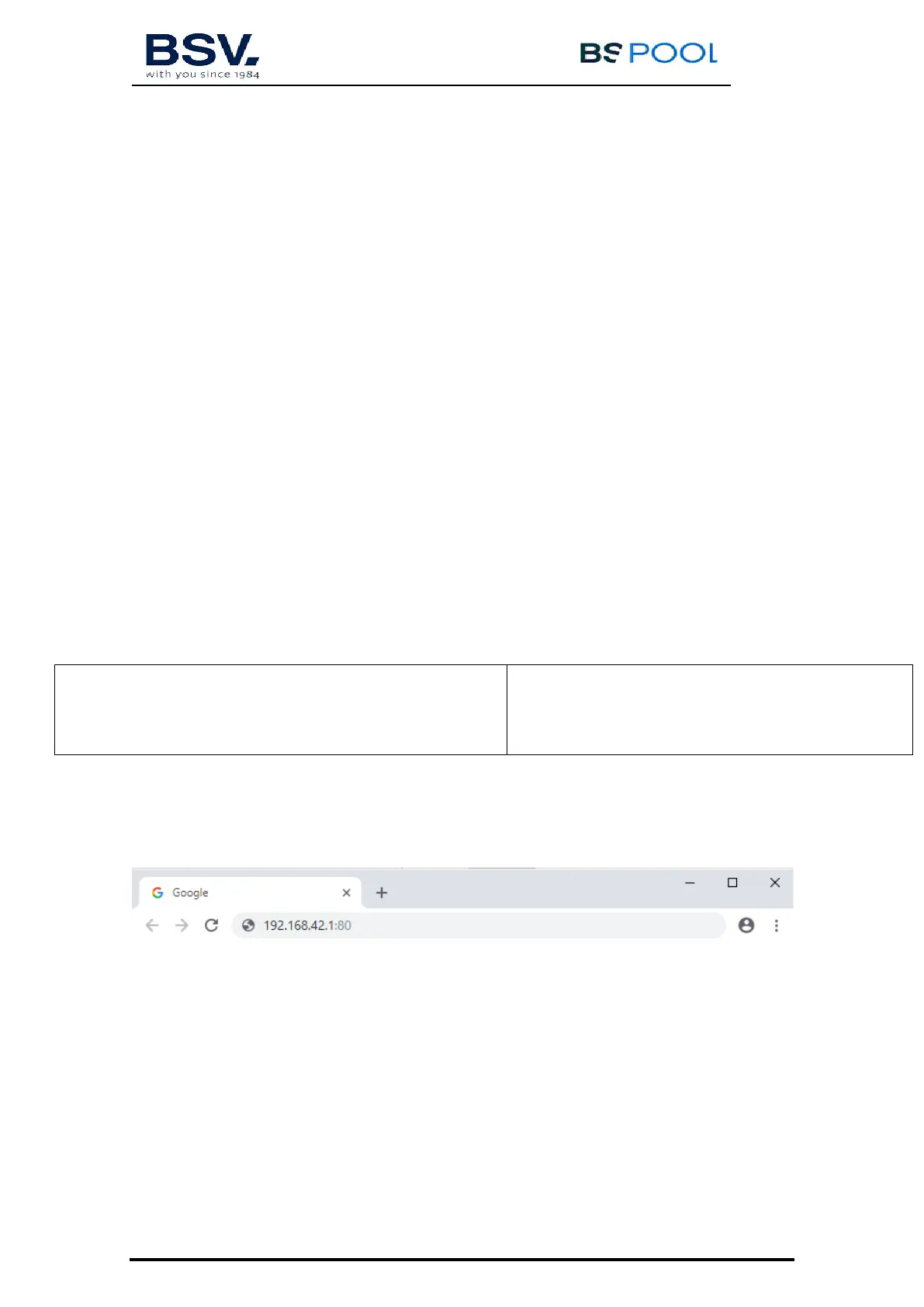
Introduce the following IP on web browser:
192.168.42.1:80
Go to step 5 to follow installation.
B) Connection via laptop:
web browser address, if option b) of connection.
4) Go to Local option when open Eypools App.



 To Next Page