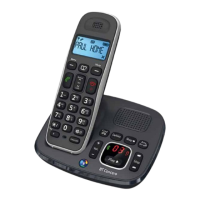
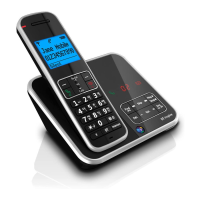
Operating the answering
machine from the handset
You can listen to your messages and
operate a number of answering
machine functions from the handset.
To operate the answering
machine from the handset
• Press the SCREEN button. This
connects the handset to the
answering machine.
• The handset beeps, the keypad
lights up and the
TALK light flashes.
• Once you hear the second
confirmation beep you may
continue with the following options.
To play/pause messages
• Press the 2 button. You hear the
announcement, “You have ‘x’
messages” and starts to play them.
You hear the messages through
the handset earpiece.
• Press the 2 button to pause.
• Press the 2 button to play
messages again.
28
To skip back through your messages
• Press the 4 button.
To skip forward through your
messages
• Press the 6 button.
To delete the current message
• Press the 5 button.
To delete all messages
• Press the 5 button after the
announcement “End of messages.”


 To Next Page