14
If you experience any problems, please call the Helpline on Freephone 0808 100 6554* or visit www.bt.com/producthelp
14
Switching on/off
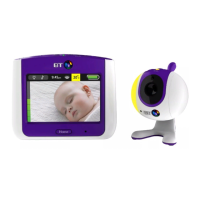
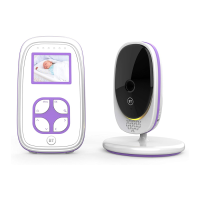
Switch the Baby unit on
1. Press and hold the
button for 1 second. The
nightlight will briefly illuminate and then the green
LED will flash until it Links with the Parent unit.
Once linked the green LED will remain on.
Switch the Parent unit on
1. Press and hold the
button on the Parent unit
until all the LEDs on the top of the unit briefly
illuminate. The green Link indicator will flash.
Once the units are linked, the green Link indicators
on the Parent and Baby units will stop flashing and
remain a steady green. The units are now ready
to use.
Switch the Baby unit off
1. Press and hold the
button on the Baby unit.
The green Link indicator will switch off.
Using your BT Digital Baby Monitor 200



 To Next Page