Using your BT Digital Baby Monitor 200
If you experience any problems, please call the Helpline on Freephone 0808 100 6554* or visit www.bt.com/producthelp
16
If you try and set the volume
higher or lower than the 5
settings available on either unit
you will hear an error tone.
Setting the Parent unit volume
to Off is the equivalent of
switching the Mute All feature
on. See page 17 for more
information on Mute All.
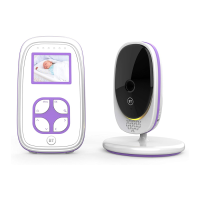
Adjust the Parent unit
loudspeaker volume
There are 5 volume levels and off (Mute).
The default loudspeaker volume is Level 3.
1. Press
or to select the required level. You will
hear a difference in volume as you keep pressing
the button(s).
If you wish to switch the volume off, keep pressing
until the Mute LED turns red (Mute All) or press
the
button.



 To Next Page