Using your BT Digital Baby Monitor 200
If you experience any problems, please call the Helpline on Freephone 0808 100 6554* or visit www.bt.com/producthelp
22
Resetting the units is
only advisable if you are
experiencing difficulties with
your product. It is a useful
feature that ensures your Baby
Monitor is returned to its new
“out of the box” settings.
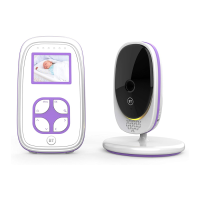
Reset the units
Resetting either units will return the settings at that
unit back to its default settings.
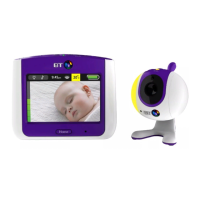
Reset the Parent unit
1. Within 3 seconds of the Parent unit being switched
on, press and hold the
button for at least 10
seconds. You will hear a confirmation beep once the
reset has been performed.
Reset the Baby unit
1. Within 3 seconds of the Baby unit being switched
on, press the
button for at least 10 seconds.
You will hear a confirmation beep once the reset
has been performed.



 To Next Page