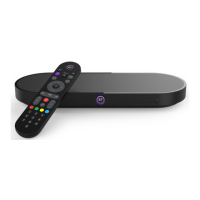
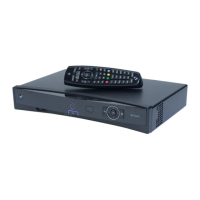
3
BT Smart Hub
Aerial cable
(not supplied)
Go straight to step 2
if you don’t have an
aerial and are going to
stream via the internet.
HDMI cable
(connect to TV)
1
Power supply cable
(use power cable
provided in box)
3
2A
Connect your Hub to your TV Box via Wi-Fi
2B
Connect your Hub to your TV Box via ethernet cable
2
1
Use for connecting to some
surround sound kits. For more
information please visit our
FAQs on bt.com/help/TV
Use for connecting some
accessibility devices. For more
information please visit our
FAQs on bt.com/help/TV


 To Next Page