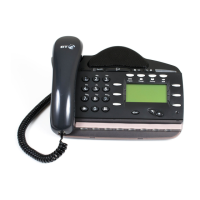
BT Versatility
Quick reference User Guide
3
Deflecting calls
Note: The following instructions assume that your Extension is ringing.
Deflect a call to another Extension
Select Þ Deflect the call
Select Þ Ext. no. .
Deflect a call to your voicemail box
Select Þ Deflect to voicemail
Diverting calls
Divert all calls
Press the Scroll Down Key (î) until "Divert" is displayed.
Select Þ Divert
Select Þ Divert all calls
Select the required extension from the display or key the Extension number, or
Key 9 and the target external number, (for incoming
external calls only).
Or press "Divert to voicemail"
Cancel divert all calls
Select Þ Cancel divert .
Divert calls when your Extension is busy
Press the Scroll Down Key (î) until "Divert" is displayed.
Select Þ Divert
Select Þ Divert when busy
Select the required extension from the display or key the Extension number, or
Key 9 and the target external number, (for incoming
external calls only).
Or press "Divert to voicemail"
Cancel divert a call on busy
Press the Scroll Down Key (î) until "Divert" is displayed.
Select Þ Divert
Select Þ Divert when busy and the diversion is cancelled.


 To Next Page