44
• Prima accensione
• First switching on
• Premier allumage
• Erstmaliges Einschalten
• Primer encendido
• Eerste inschakeling
• Primeira ligação
• Pierwsze włączenie
MOD = MM
6 7 8 9
N=1 N=3N=4
N=2 N=5
N=1 N=3N=4
N=2 N=5
P
+1
MOD= 5
P
+1
P
+1
2
3
1 32
346210
1
P
+2
MOD= 5
P
+2
P
+2
2
3
1 32
346210
1
P
+3
MOD= 5
P
+3
P
+3
2
3
1 32
346210
1
P
+4
MOD= 5
P
+4
P
+4
2
3
1 32
346210
1
P
+1
MOD= 5
P
+1
P
+1
2
3
1 32
346210
1
P
+2
MOD= 5
P
+2
P
+2
2
3
1 32
346210
1
P
+3
MOD= 5
P
+3
P
+3
2
3
1 32
346210
1
P
+4
P
+4
P
+4
2
3
1 32
346210
1
N=1 N=3N=5
N=2 N=4
N=1 N=3N=5
N=2 N=4
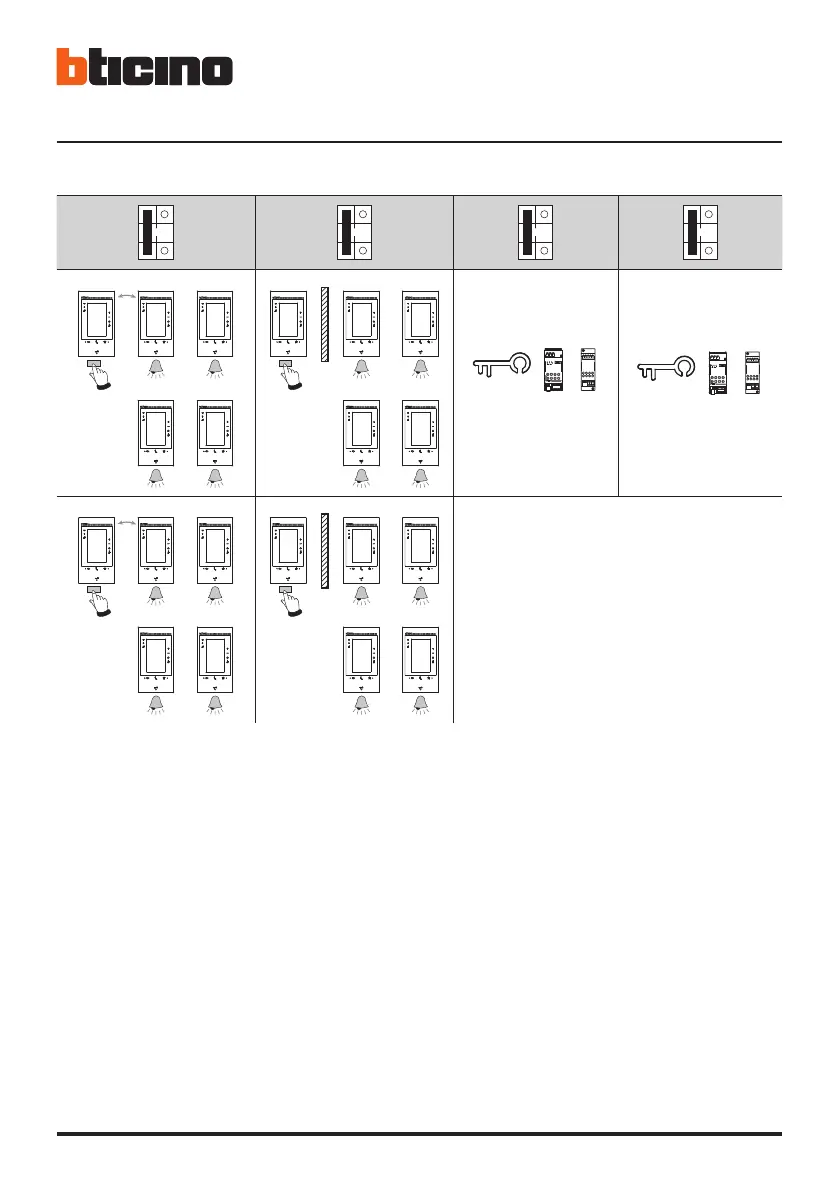
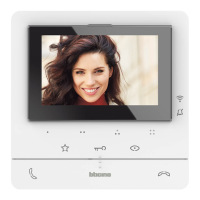
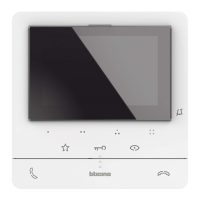
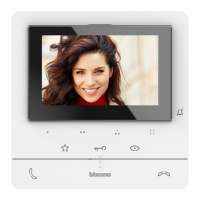
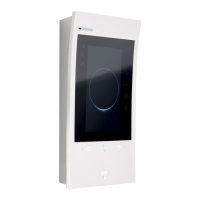
• Dopo aver collegato ed acceso il dispositivo, puoi eseguire delle personalizzazioni tramite menù.
Attendi che i led terminino di lampeggiare e tocca il display per accenderlo.
• After connecting and switching on the device, it will be possible to customise it using the menu.
Wait for the LEDS to stop flashing and then touch the display to switch it on.
• Après avoir branché et allumé le dispositif, il est possible d'effectuer des personnalisations à l'aide des
menus. Attendre que les voyants cessent de clignoter et toucher l’écran pour l’allumer.
• Nach Anschluss und Einschalten der Vorrichtung können Sie über das Menü Einstellungen nach Wunsch
vornehmen. Warten, bis die Led aufhört zu blinken und das Display berühren, um es einzuschalten.
• Tras haber configurado y accedido al dispositivo, puede efectuar las personalizaciones en el menú.
Espere hasta que los leds dejen de parpadear y toque la pantalla para encenderla.
• Als het apparaat aangesloten en ingeschakeld is, kunnen de aanpassingen in het menu worden verricht.
Wacht tot de leds niet langer knipperen. Raak vervolgens het display aan om het in te schakelen.


 To Next Page