4
322031
1 2
ON
OFF
ON OFF
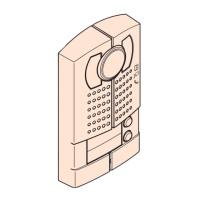
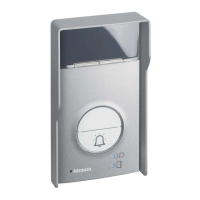
20 Pushbuttons colour video entrance panel
Configuration
Setting of anti removal (tamper) function:
This function indicates the removal of the device from the wall. If someone try to re-
move the device from the wall, an alarm message will be sent to the porter switchboard.
On the back of the entrance panel, there are two ON - OFF switches : one is the anti
tampering function enable switch; the other is to set ON or OFF this function.
Configuration by using SF2 Software and PC connection- WAY 2 :
This is the enhanced way to download the device configuration to entrance panel previ-
ously created by using SF2 configuration software and a personal computer. To transfer
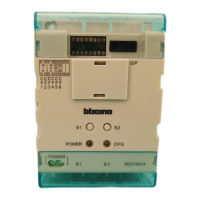
use the configuration hardware tool 323020 serial interface
WARNING : to ensure that the communication is successful, entrance panel must
be powered and NOT phisically configured.
Distance 1 2
0 –300 m OFF OFF
300 – 700 m ON OFF
700 – 1000 m ON ON
The entrance panel has two video compensation gears, we can let the video signal
output adapt to different transmission distance. See followings:
DIP SWITCH SETTINGS FOR B/W. AND COLOUR SYSTEM
Video gain setting
323020
configuration
tool
BT00766-a-EN 03/06/2013
Setting of door lock status:
device in stand by status - press and mantain for about 3 seconds the key
located
on the back of the entrance panel. A short tone indicates that device detect the actual
door lock status (always ON or OFF - this status will be signalled to porter switchboard).
Reset of factory default room number for each pushbutton
device in stand by status - press and mantain for about 6 seconds the key
located on
the back of the entrance panel until one long tone is heard. This indicates that the reset
has been successfully completed.
0 3 sec.
Setting
of door lock status
Reset factory default
room number for each pushbutton
6 sec.


 To Previous Page
 Loading...