EasyManua.ls Logo

Bticino 344162 - User Manual

Bticino 344162
100 pages
Go to English
Print Icon
To Next Page IconTo Next Page
Loading...
Part. U1095B - 08/07-01 PC
art. 344162
Manuale d’installazione
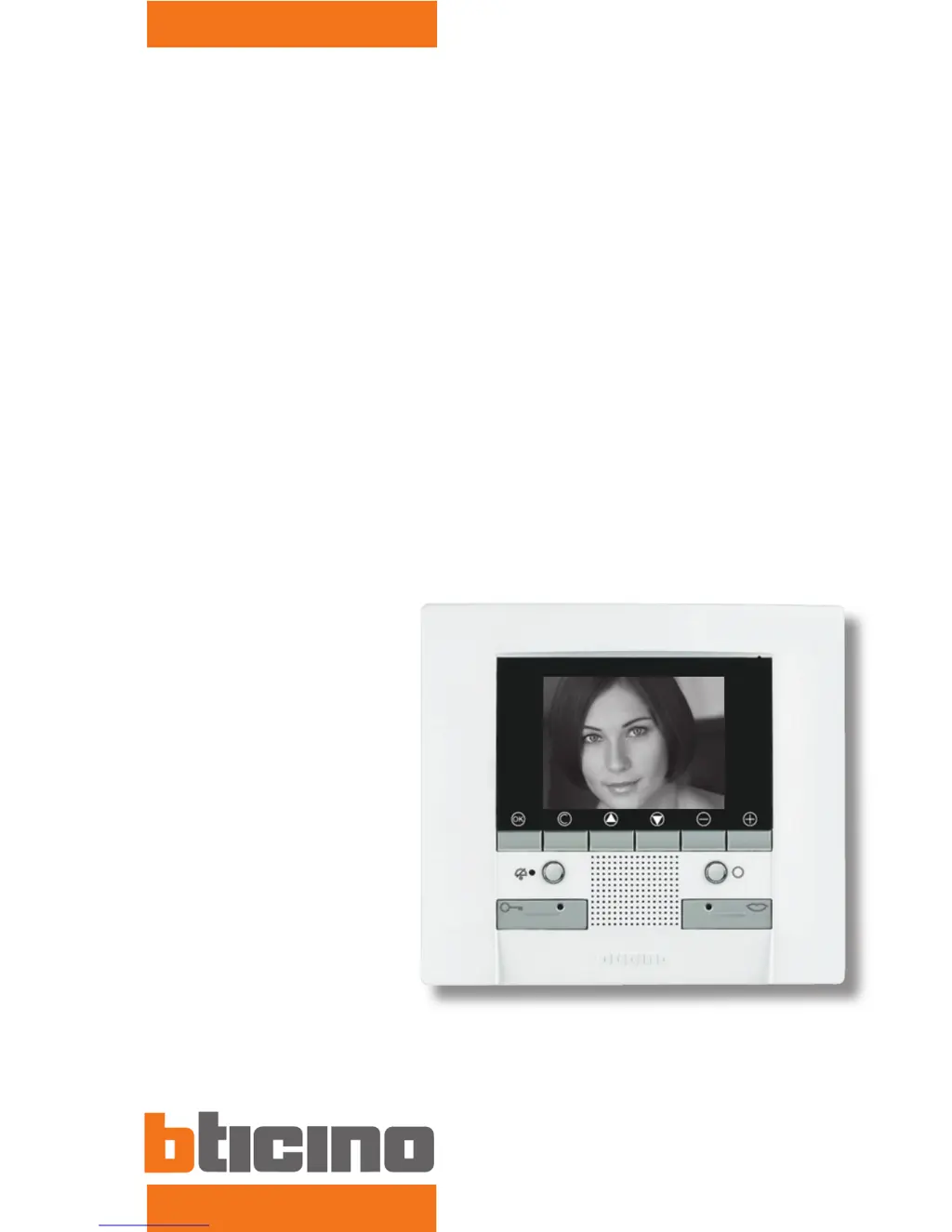
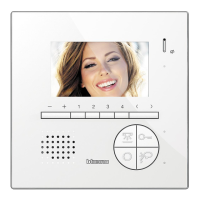
Polyx Video Display
Item 344162
Installation manual

Table of Contents

Questions and Answers

  • A
    Alexander ColemanJul 31, 2025
    Why is it difficult to hear the caller at the Bticino Intercom System entrance panel?
    • D
      Dennis PorterJul 31, 2025
      If it's difficult to hear the caller at the entrance panel of your Bticino Intercom System, ensure there are no strong noise sources near the Polyx Video Display and try increasing the volume of the entrance panel microphone.
  • D
    Dr. Brandon BallAug 6, 2025
    How to improve the sound if it is difficult to hear the caller on the Bticino Intercom System handset?
    • B
      brucefisherAug 6, 2025
      If you're having difficulty hearing the caller on the Bticino Intercom System handset, try reducing the volume of the entrance panel microphone.
  • D
    Darren GillAug 10, 2025
    What to do if the Bticino Intercom System handset does not ring when called?
    • A
      Andrew CrawfordAug 11, 2025
      If the Bticino Intercom System handset does not ring when called, ensure that the volume has not been set to zero (the red LED lights up).
  • G
    Gregory BaldwinAug 16, 2025
    How to fix no picture when pressing the Entrance panel key on a Bticino Intercom System?
    • M
      Michelle SmithAug 16, 2025
      If pressing the Entrance panel activation/cycling key on your Bticino Intercom System doesn't display a picture, check that the handset and entrance panel have been correctly wired and configured. Also, the audio/video channel may be busy; wait for it to become free before trying again.
  • A
    alyssamcdonaldAug 20, 2025
    What to do if the Bticino Intercom System menu doesn't switch on when pressing OK?
    • A
      aperezAug 20, 2025
      If pressing the OK key on the Bticino Intercom System doesn't switch on the menu and the handset makes a busy sound, check that the handset and entrance panel have been correctly wired and configured.
  • P
    Pam BlackwellAug 26, 2025
    Why doesn't the door unlock when pressing the Door lock key on my Bticino Intercom System?
    • N
      Natalie FoleyAug 26, 2025
      If pressing the Door lock key on your Bticino Intercom System does not perform the command, check that the handset and entrance panel have been correctly wired and configured.

Summary

Introduction to Polyx Video Display

Warnings and tips

Important safety and usage guidelines before installation and operation.

Installation Guide

Basic Installation Diagrams

Configuration Procedures

Quick configuration using configurators

Steps for configuring the device using physical configurators, suitable for standard systems.

Guided configuration without configurators

Procedure for configuring the device via the menu without physical configurators.

Handset configuration (N and P addresses)

Configures the local address (N) of the handset and the associated Entrance Panel address (P).

Configure video door entry functions: Activation

Steps to configure the 'Activation' function, including linked Entrance Panel address.

Configure video door entry functions: Intercommunicating

Steps to configure 'Intercommunicating' calls between handsets, including addresses.

Configure video door entry functions: Camera

Steps to configure 'Camera' functions, including linked camera address and internal settings.

House-Automation Mode

Enables and configures the device for house automation functions.

Configure house-automation: Scenarios

Steps to configure pre-saved scenarios, including module address and scenario number.

Advanced Configuration from PC

Overview of using PC software for greater flexibility in menu composition and customization.

Advanced configuration: Scenarios and Communication

Managing multiple scenario and communication functions on the first page of the menu.

Connection to the PC

Instructions for connecting the device to a PC via USB for configuration transfer or firmware updates.

Resetting the device

Procedure to cancel all data and return the device to its factory settings.

Troubleshooting Common Issues

Common problems and solutions

Lists common issues with their respective solutions for system operation.

Bticino 344162 Specifications

General IconGeneral
CategoryIntercom System
Model344162
BrandBticino
Communication Type2-wire
Installation TypeWall-mounted
Audio FeaturesHands-free
ColorWhite
Intercom functionYes
Night VisionNo
MicrophoneYes
SpeakerYes
Protection RatingIP30
TypeVideo Intercom
DisplayLCD
CompatibilityBticino systems

Related product manuals