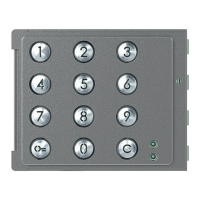
Sfera Keypad Module
Installer manual
13
3.2.2 Deleting passepartout codes
- The procedure will delete all the stored Passepartout codes.
- To only delete a specific code use the TiSferaDesign software.
Three times
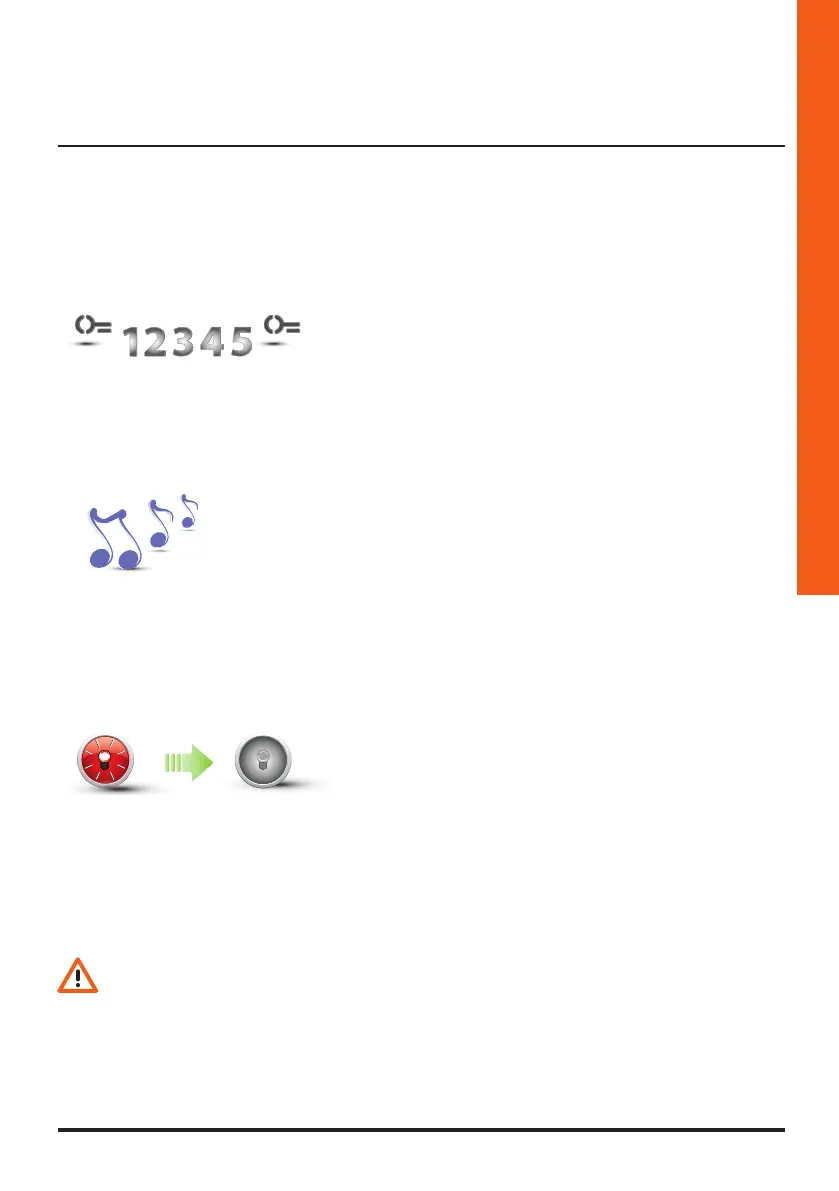
1 Enter the master codes three times in succession.
2 The device emits a long confirmation beep.
3 The red LED flashes and then switches off to confirm
that the deletion has been performed.

 To Next Page
 Loading...