strategy by design
Buddy User Manual Page 13 of 13
Version 1.1
Voice Notes Lists all recorded voice notes for playback.
Recordings Lists all Audio recordings for playback.
Buddy Dock Gives option to select Player mode or USB Disk. USB Disk synchronizes
information between your player and PC but displays charging screen if
connected to adapter and not to PC. This function is automatically activated
when the USB cable is plugged into Buddy.
Recorder Creates voice recordings in various formats and duration.
Voice Notes Create short voice recordings. Similar to a functionally of scribbling down notes.
Note: For effective usage of this function please keep deleting unwanted Voice
Notes – as access will be difficult if list grows long.
2.3 LOCKING YOUR BUDDY
Press INFO followed by MENU within 500 milliseconds to lock Buddy. Player shall not
accept any key in lock state and give a beep when any key is pressed. Use the same
method to unlock it.
2.4 MAIN MENU
Buddy comes with several bundled programs (as listed in the table above) that you can
start using immediately. The Main menu screen displays the available programs on your
player.
Use the NAVIGATION UP/ DOWN keys to scroll through the list of programs.
To access the Main Menu screen from anywhere, long press the MENU key.
Note: Recorder Application is not included in Main Menu. Use RECORDING key to access it from anywhere.
2.5 STATUS INDICATORS
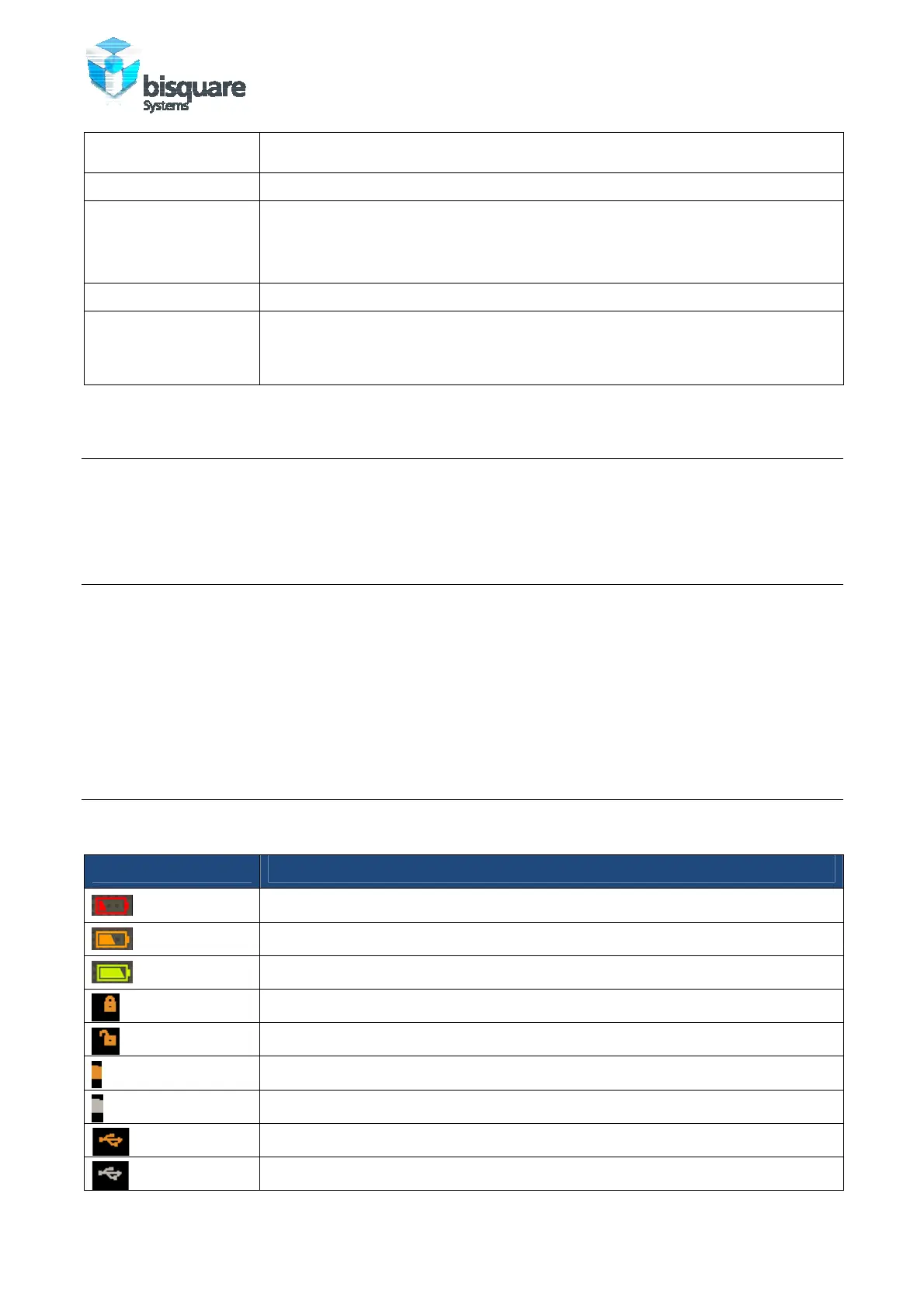
The following table lists common status indicators.
Icon Description
Battery level low
Battery level medium
Battery level high
Player Locked
Player Unlocked
SD Card In
SD Card Out
USB plugged in
USB unplugged



 To Next Page