strategy by design
Buddy User Manual Page 19 of 19
Version 1.1
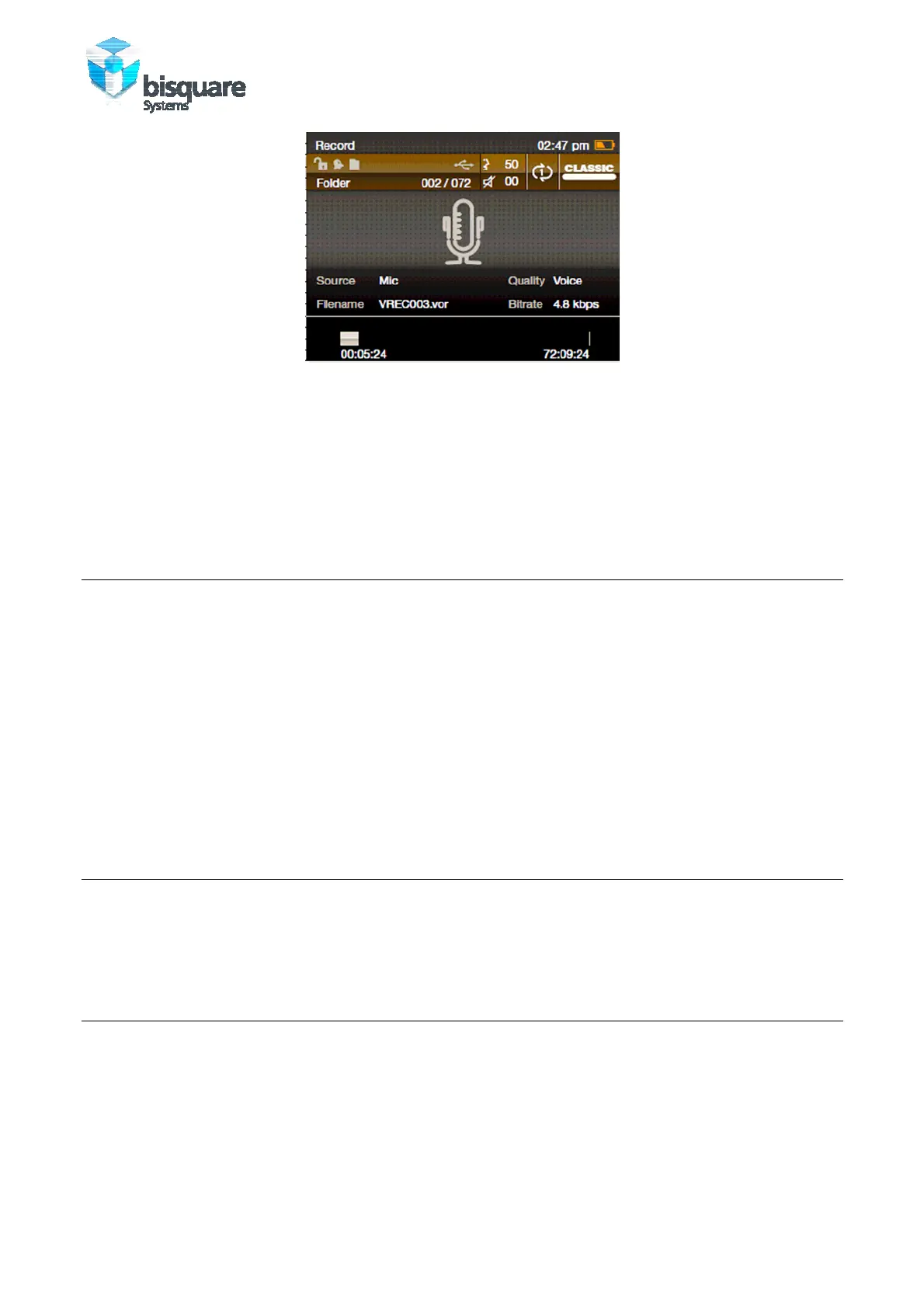
Figure 11: Record Screen
1. Press RECORDING to stop recording and start recording a voice tag for it. Press
RECORDING again to stop recording the tag.
2. Press RECORDING to start a new recording.
Note Press MENU to exit the recorder anytime and go to the list of recordings.
6.3 SETUP OPTIONS
RECORDING TYPE
Two options are available- WAV and MP3. Each mode will further offer options for
choosing the recording speed:
• WAV- 32 kbps, 64kbps, 192kbps, 384kbps
• MP3- 64kbps, 128kbps, 256 kbps
VOR
• Record Volume
6.4 L
ISTEN TO RECORDINGS
The List of Recordings is displayed when ‘Recordings’ is selected from the Main menu.
Playback method is same as listening to Music.
7.0 USING FM RADIO
Buddy will start the FM Radio only if the earplugs are connected already. You can scan
and store your favorite FM channels.



 To Next Page