strategy by design
Buddy User Manual Page 20 of 20
Version 1.1
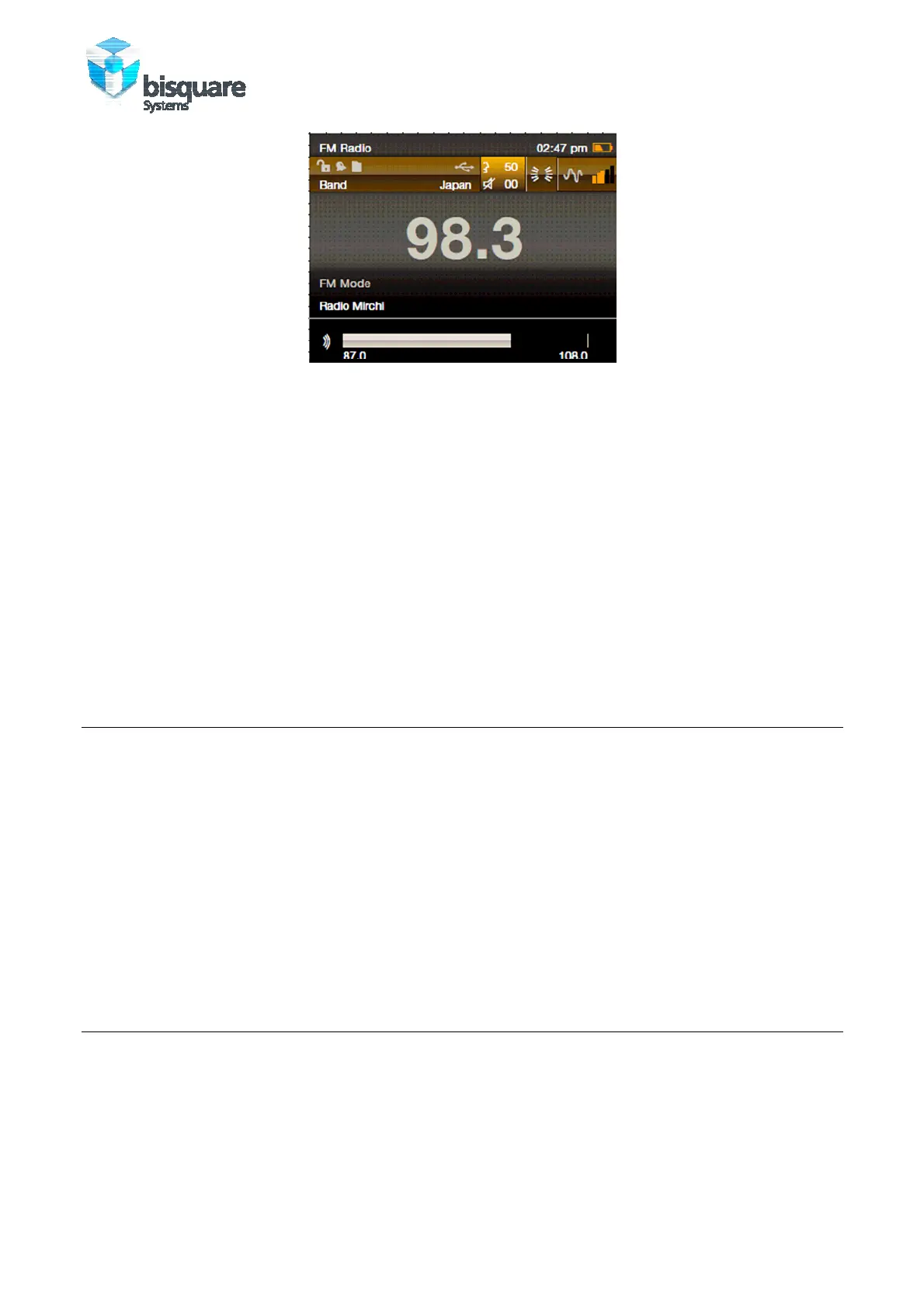
Figure 12: FM Radio Playback
ABOUT THE CONTROLS
• Press NAVIGATION UP or DOWN to select and play previous or next saved station.
• Long press NAVIGATION UP or DOWN to manually search the nearest previous or
next channel.
• Press PLAY to save or remove (if saved already) the current channel.
• Press CONTROL to auto search radio stations. Once search is complete, the radio
list will be updated, and the system will play the first station among the list.
8.0 COPYING CONTENT TO BUDDY
1. Connect Buddy to your PC – Buddy Dock screen will pop up automatically.
2. Select USB Disk from the options.
3. Open Player or Card memory from the PC. Simply use the Windows File Manager to
drag files to your Buddy player or card memory. The content needs to be copied
onto the correct Directories!
4. If Buddy is already connected to the PC (in Player mode – it will charge Buddy in
background) select and enter Buddy Dock on the Main Menu to reinitiate a
connection to the Host.
9.0 UPGRADING BUDDY FIRMWARE
1. Download the latest firmware archive from following link and extract it.
https://sites.google.com/a/bisecure.net/buddy
Copy buddy.fwu from rar archive to Player memory as described in section 8.0.



 To Next Page