strategy by design
Buddy User Manual Page 12 of 12
Version 1.1
2.0 MAN-MACHINE INTERFACE
The Buddy Man Machine Interface design smartly uses the different senses (Vision and
Hearing and Touch) to deliver a rich User Experience. Buddy leverages High Fidelity (with
SRS enhanced Audio) sound along with a High Quality TFT based User Interface and
Asymmetrical layout of raised Keys to allow an easy orientation of Buddy in the correct
direction.
Buddy uses a combination of Graphical User Interface (GUI) and ‘Menu Voicing’ for
interacting with the user. The inputs from the User are provided through key press
operations or insertion and removal of connectors/ card into a port/ socket. The Voiced
menu and the Audio playback volumes are independent to allow the user to set the
volumes at a comfortable level for the User Interface and Content.
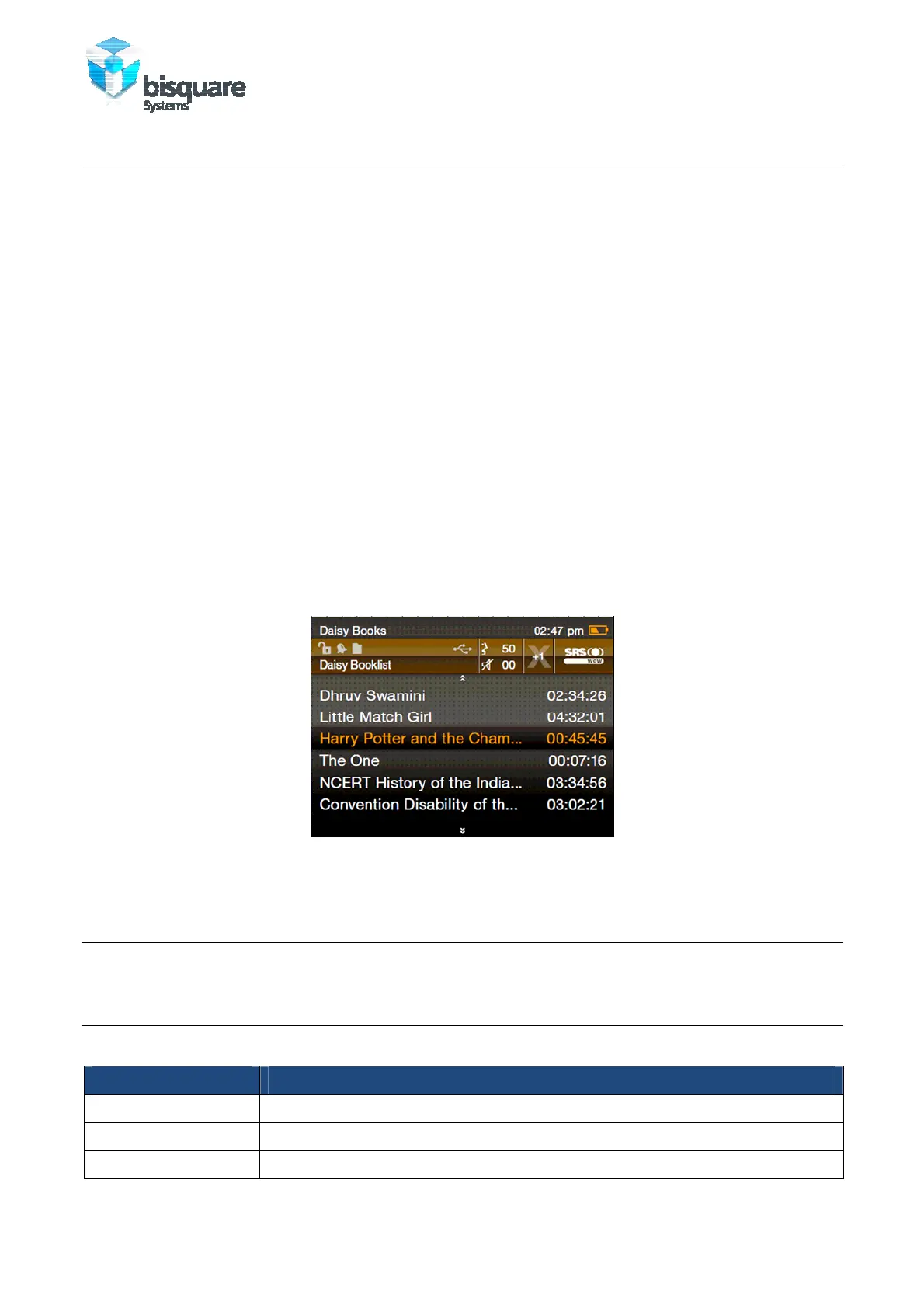
The GUI consists of:
• Top Bar: which displays the depth in the Menu and the battery health status
• Information Bar: Summarizes the settings during the current operation along with
the status of different ports/ sockets
• List/ application interface: area for interaction based on the application
The information of the Top bar and the information bar are also played out during the in
the ‘menu voicing’ or can be repeated at any time by pressing the INFO key.
Figure 7: Typical Graphical User Interface screenshot
2.1 TURNING ON AND OFF BUDDY
Press and hold the PLAY button for about 2 seconds to turn on or off Buddy.
2.2 PROGRAMS ON YOUR BUDDY
The following table lists the programs/ applications that are available on your Buddy.
Program Description
Daisy Books Reads DAISY Audio books.
Music Playbacks the music in various file formats.
FM Radio FM radio player. User the Earphones as an Antenna



 To Next Page