Brief operating instructions
Setting other factory programs
Seven o
th
er factory programs are available
should factory program 1 not suit your individual
heating requirements.
Yo
u can enter your own program under "EMPTY"
{refer to Section
6,
Page 20).
Selecting programs
• Press
th
e Sel
ec
t
§)
button.
• Press and hold down the
(PRO
G)
selection.
"MY
PROG"
appears in the display.
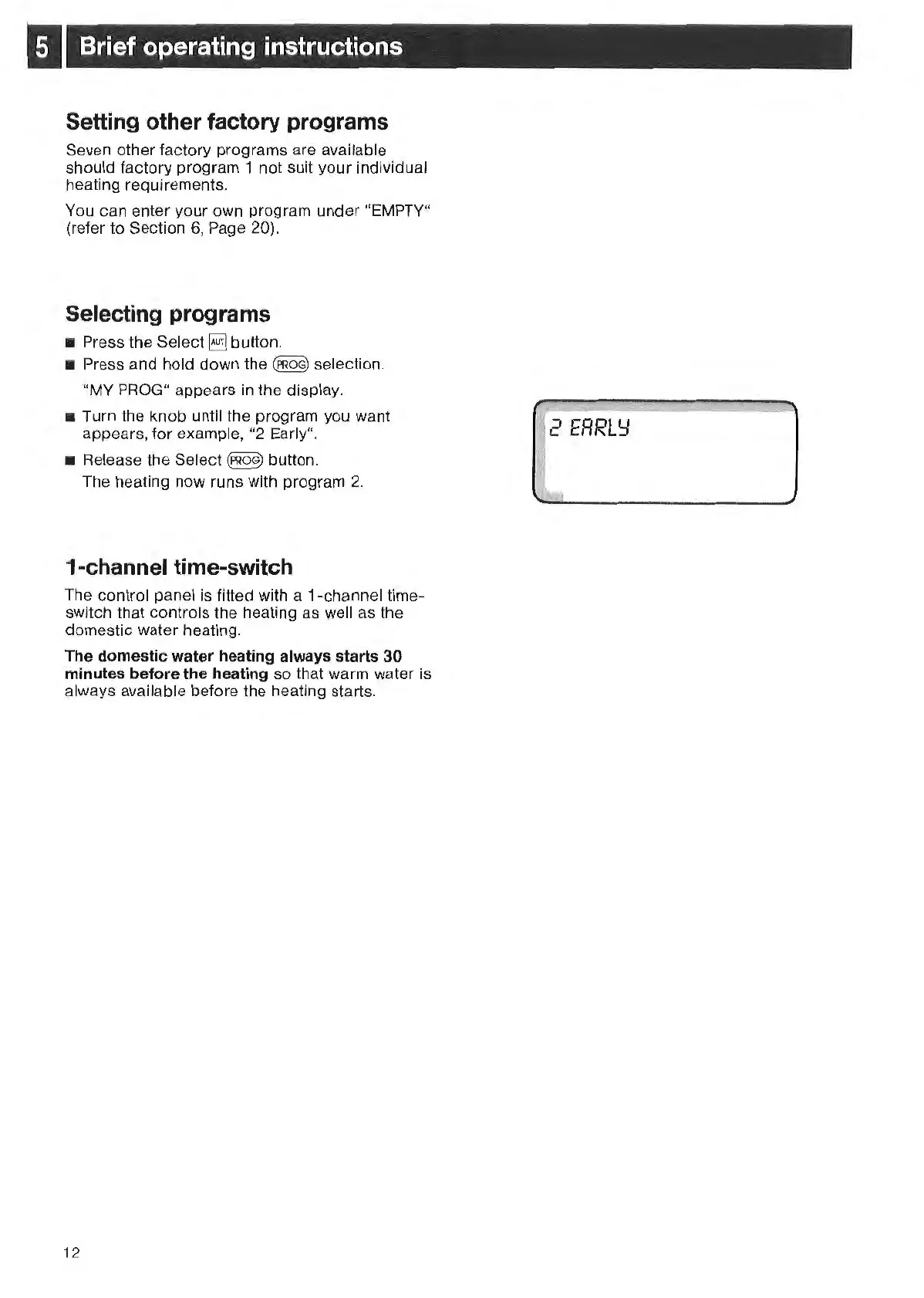
• Turn the knob until the program you want
appear
s,
for exampl
e,
"2 Early".
•
Re
lease the Select
(PRoG)
button.
The heating now runs with program
2.
1-channel time-switch
The control panel is fitted with a 1
-c
hannel
tim
e-
switch t
ha
t controls the h
ea
ting as well as the
domest
ic
water heating.
The
dome
s
tic
water heating a
lw
ays starts
30
minutes be
fore
the hea
ting
so
th
at wa
rm
water is
always available before the heating starts.
12
2
ERRL'::I



 To Next Page