Operating instructions
I
Changing a switching time,
for example from Su. 12:00 ON
to Mo. 8:00 OFF
• Open the cover flap.
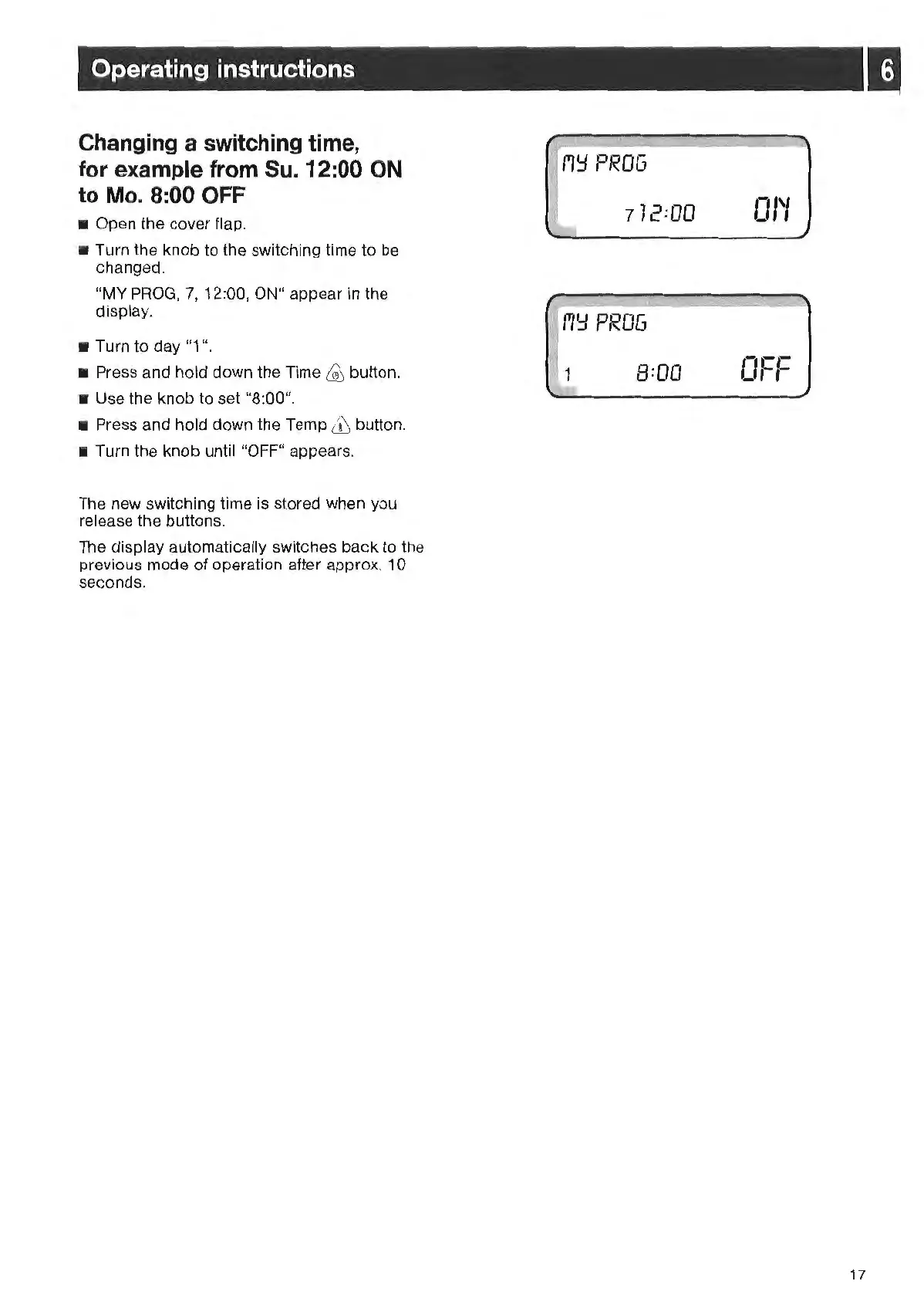
• Turn the knob to the switching time to be
changed.
"MY
PROG,
7, 12:00, ON" appear
in
the
display.
• Turn to
day
"1
".
• Press and hold down the Time
~
button.
• Use the knob to set "8:00".
• Press and hold down the Temp
& button.
• Turn the knob unt
il
"OF
F"
appears.
The new switching time
is
stored when you
release the buttons.
The display automatically switches back
to
the
previous mode of operation after approx. 1 0
seconds.
7
12
=0
0
f'l'=l
PROG
i~
1
8=00
01'1
0
-cL
'
,-
I
17



 To Next Page