Operating instructions
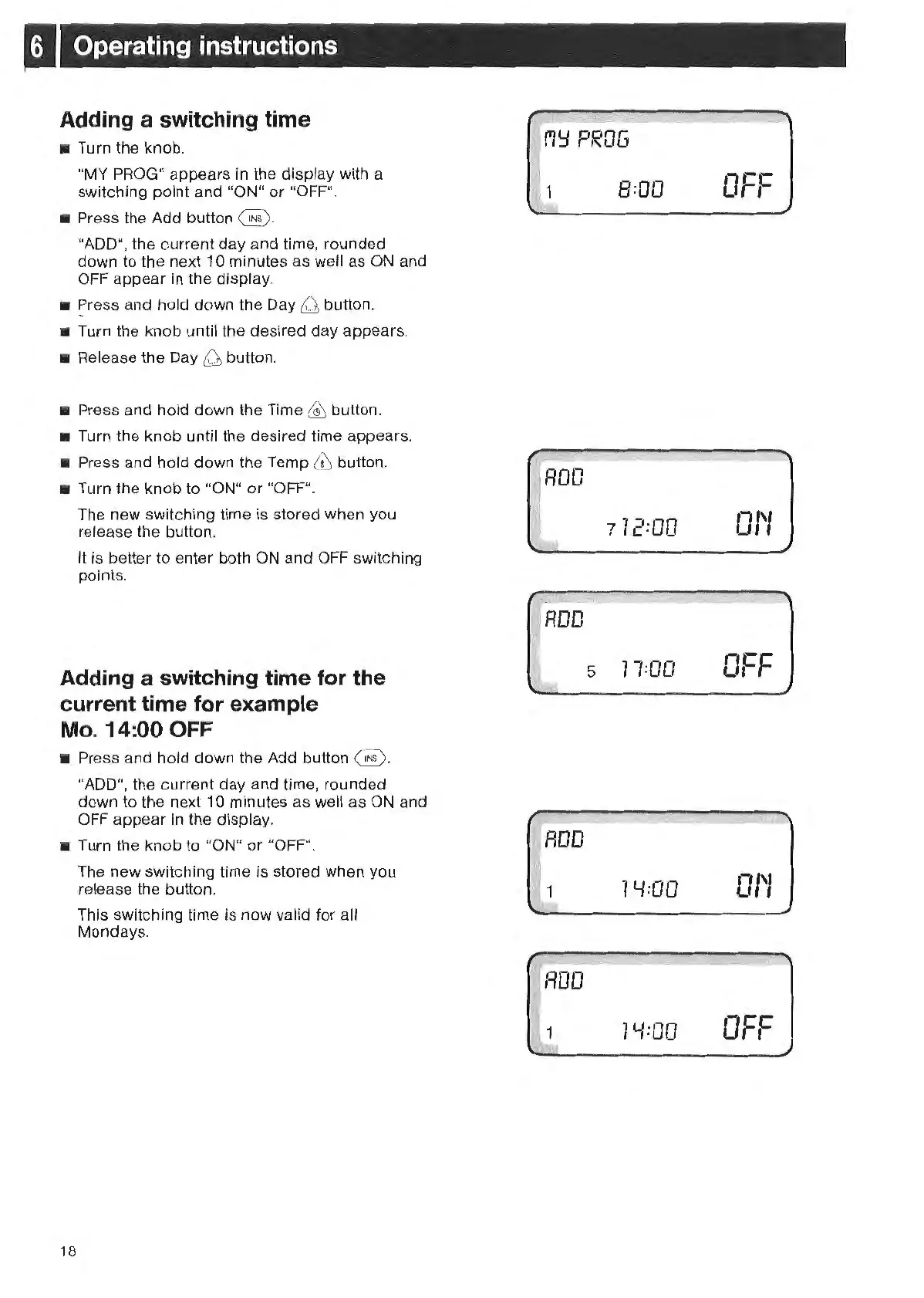
Adding a switching time
• Turn the knob.
"MY
PR
OG" appears in
th
e display wi
th
a
switching point and "ON"
or
"O
FF
".
•
Pr
ess
th
e
Ad
d button @ .
"A
DD
",
the current day and time, rounded
down
to
the next 10 minutes as well as
ON
and
OFF
appear in the display.
•
~
r
es
s
and hold down
th
e
Da
y
Q1
button.
• Turn
th
e kn
ob
until the desired day appears.
•
Re
lease the Day
6:1
button.
• Press and hold down the Time £ button.
• Turn the
kn
ob until
th
e desired time appear
s.
• Press and hold down the Temp ffi button.
• Turn the knob to "ON" or "OF
F".
Th
e new switching time is stored when you
release the button.
It
is better to enter both ON and OFF switching
points.
Adding a switching time for the
current time for example
Mo. 14:00 OFF
• Press and hold down the Add button
@.
"ADD", the current day and time, rounded
down to
th
e next 10 minutes as well as
ON
and
OFF
appear in the display.
• Turn
th
e knob
to
"ON"
or
"O
FF".
18
Th
e new switching time is stored when you
release the button.
This switching time is now valid for all
Mondays.
1'1'::1
PR
OG
1
8:00
'
'
ROO
71
2=
00
I
5
11
=00
1 Y=
OO
1
1Y
=
OO
OFF
01'1
O
r•-
,-,-
01'1
0
-cc
' ,



 To Next Page