Operating instructions
Adding a complete new individual
program for everyday
Exa
mp
le
for
two days:
Monday 5:00 heating
ON,
22:00
OFF
Tu
esday 4:30 heating
ON,
21:30
OFF
• Note down your desired
pr
ogram.
• Press and hold down
th
e
Se
lect
(PRoG)
button.
"
MY
PROG
" appears in
th
e display.
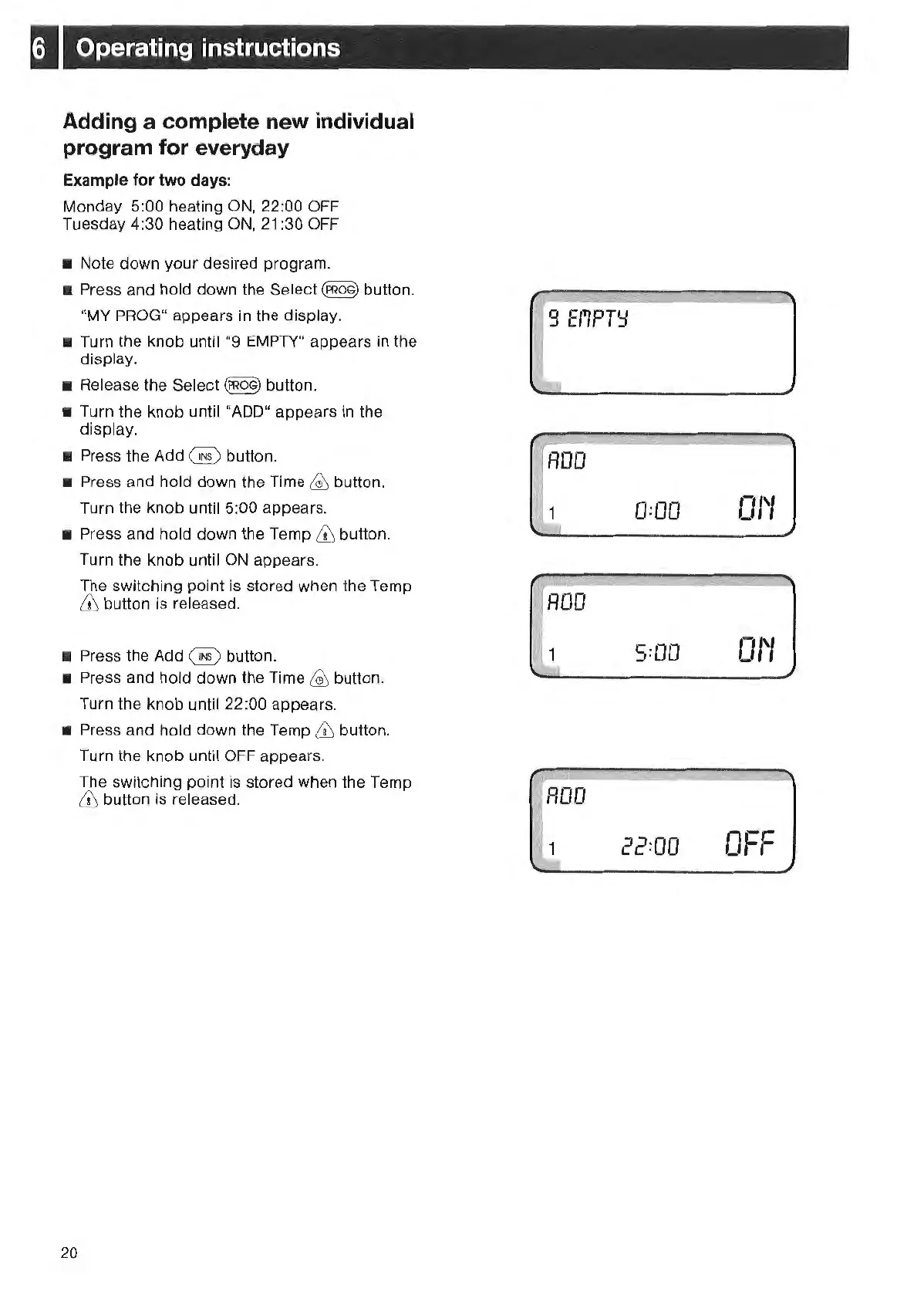
• Turn the knob u
ntil"9
EMPTY"
appears in the
display.
•
Re
lease
th
e Select
(PROG)
button.
• Turn the knob until "ADD" appears
in
the
displ
ay.
• Press the Add @ button.
• Press and hold down the T
im
e
~
button.
Turn the knob until 5:00 appears.
• Press and hold down
th
e
Te
mp & button.
Tu
rn
the knob until
ON
appears.
The switching point is stored when the Temp
6\ button is release
d.
• Press
th
e Add @ button.
• Press and hold down
th
e
Tim
e
~
button.
Turn the knob until 22:00 appears.
• Press and hold down
th
e Temp &
but
ton.
20
Turn the knob until
OFF
appears.
The switching point is stored
wh
en the Temp
6\ button
is
re
leased.
9 E
f1PT':J
~
ROO
1
I
1
0:00
5:
00
22=00
01'1
01'1
OFF



 To Next Page