Operating instructions
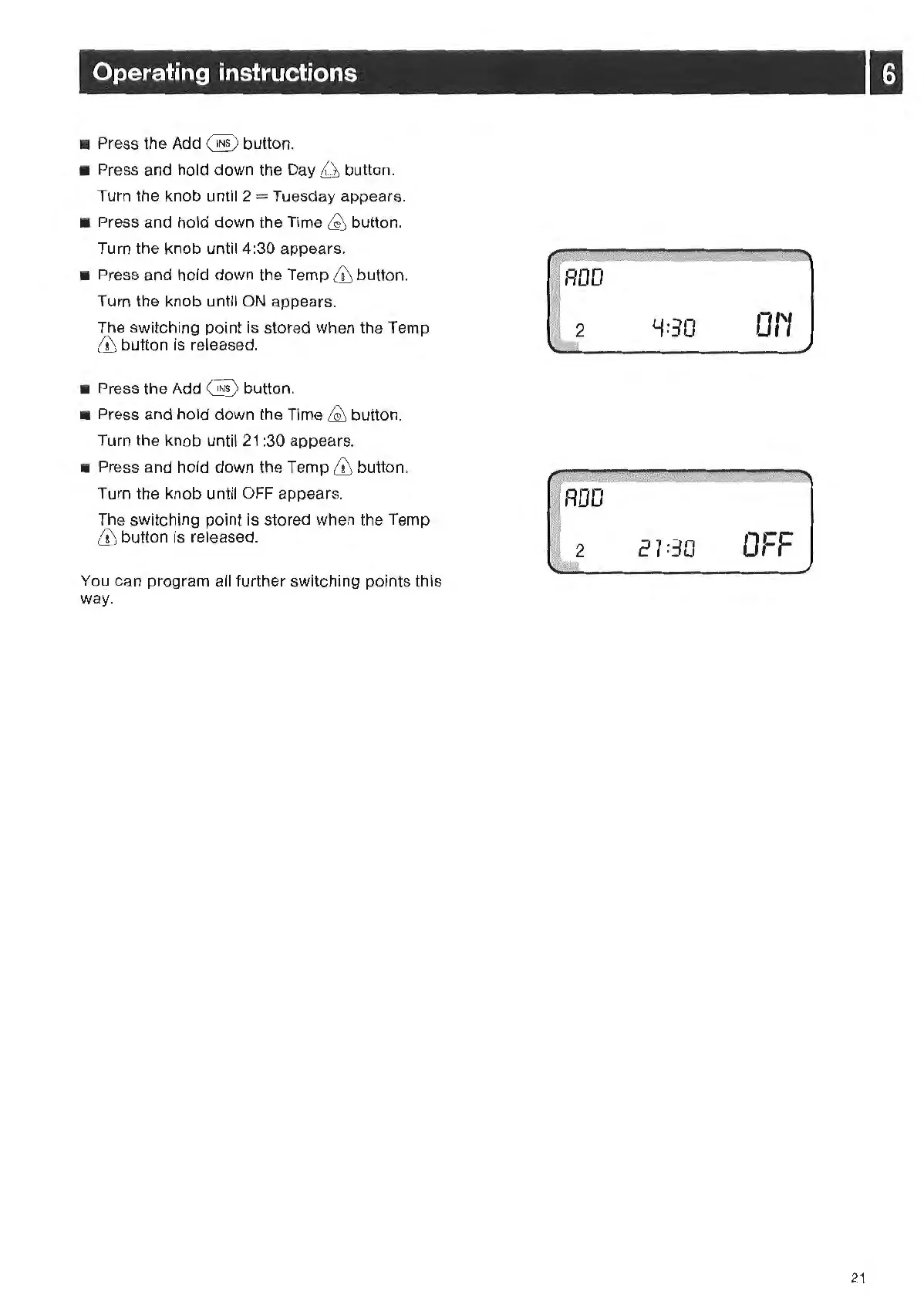
• Press the Add @ button.
• Press and hold down
th
e
Day
~
button.
Turn the knob until 2
=
Tu
esday appears.
•
Pr
ess and hold down the Time
~
button.
Turn the knob until 4:30 appears.
• Press and hold down the Temp
ill
button.
Turn the knob until
ON
appears.
The switching point is stored when the Temp
& button is released.
• Press the Add
@ button.
•
Pr
ess and hold down
th
e Time
~
butto
n.
Turn
th
e knob until
21
:30 appears.
• Press and hold down the Temp
ill
button.
Tu
rn the kn
ob
until
OFF
appear
s.
The switching point is stor
ed
when
th
e Temp
& button is released.
You can program all further switching points this
way.
Y
=3
0
01'1
27
=
30
-l-t=
O;-,-
21



 To Next Page