Operating instructions
Entering room temperatures
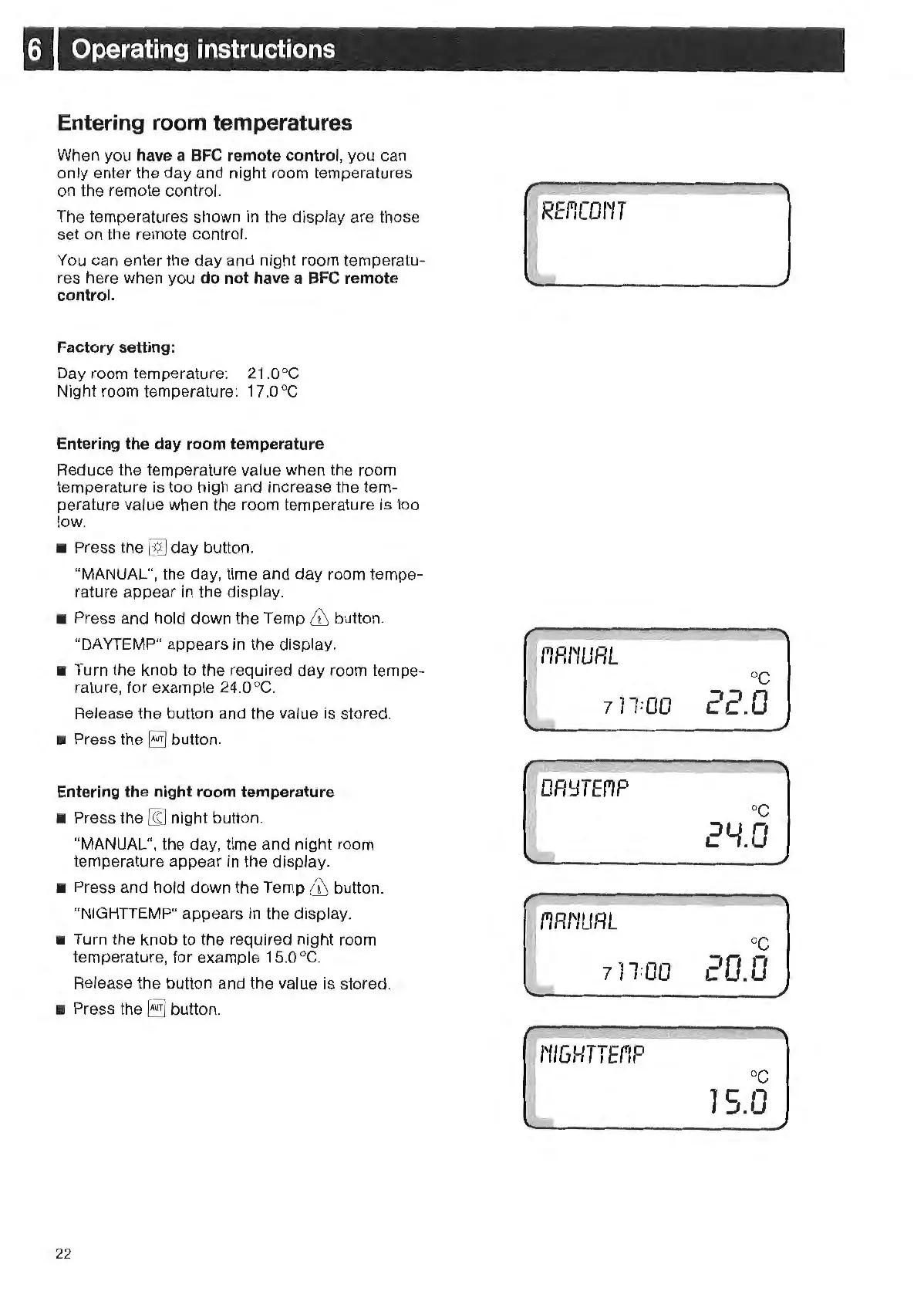
When you have a BFC remote control, you can
only enter
th
e day and night room temperatures
on the remote control.
The temperatures shown in
th
e display are those
set on the remote control.
You can ent
er
the
day
and night room temperatu-
re
s here when you
do
not have a BFC remote
control.
Factory
sett
ing:
Day room temperature: 21.0°C
Night room temperature: 17
.0
°C
Entering the day room temperature
Reduce the t
em
perature value when
th
e room
temperature is too high and increase the tem-
perature value when the room temperature is too
low.
• Press the [@ day button.
"MANUAL", the day,
tim
e and day room tempe-
rature appear
in
the display.
• Press and hold down the Temp
& button.
"DA
YTEMP
" appears
in
the display.
•
Tu
rn
the knob to the required day room tempe-
rature, for example 24.0
°C.
Release the button and
th
e value is stored.
• Press the
E) button.
E
nt
ering the
night
room temperature
• Press
the
~
night button.
"MANUAL", the day, time and night room
temperature appear in the display.
• Press and hold down the Temp
& button.
"NIGHTTEMP" appears
in
the display.
•
Tu
rn
the knob to the required night room
temperatur
e,
for example 15.0 °C.
Release the button and
th
e value is stored.
• Press the
I§
button.
22
RErlCOI~T
711:00
1'1RI'IURL
771:00
I'
IIGHTT
Ef'1P
oc
-,.'
o-
c
~
•.
oc
20.0
oc
75.0



 To Next Page