Operating instructions
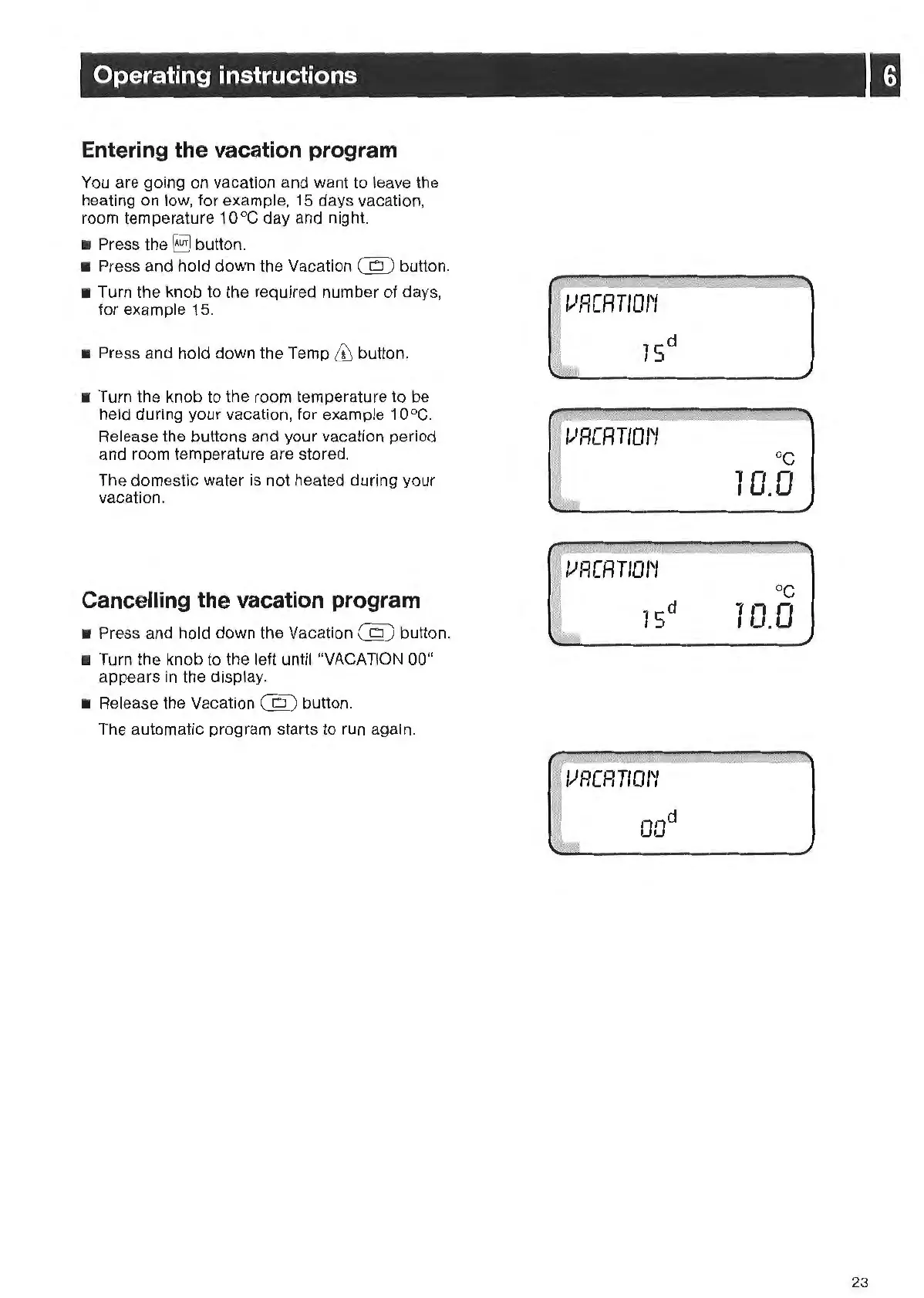
Entering the vacation program
You
are going on vacation and want
to
leave the
heating on low, for example, 15 days vacation,
room temperature 10°C day and night.
• Press
the§]
button.
• Press and hold down the Vacation
em
button.
• Turn the knob to the required number
of
days,
for example 15.
• Press and hold down the Temp
& button.
• Turn the knob to the room temperature to be
held during your vacation, for example 10°C.
Release the buttons and your vacation period
and room temperature are stored.
The domestic water is not heated during your
vacation.
Cancelling the vacation program
• Press and hold down the Vacation
(Q)
button.
• Turn the knob to the left until "VACATION 00"
appears in
th
e display.
•
Re
lease the Vacation
em
button.
The automatic program starts to run again.
oc
10.0
oc
10.0
23



 To Next Page