Operating instructions
Display function button C
o1sP)
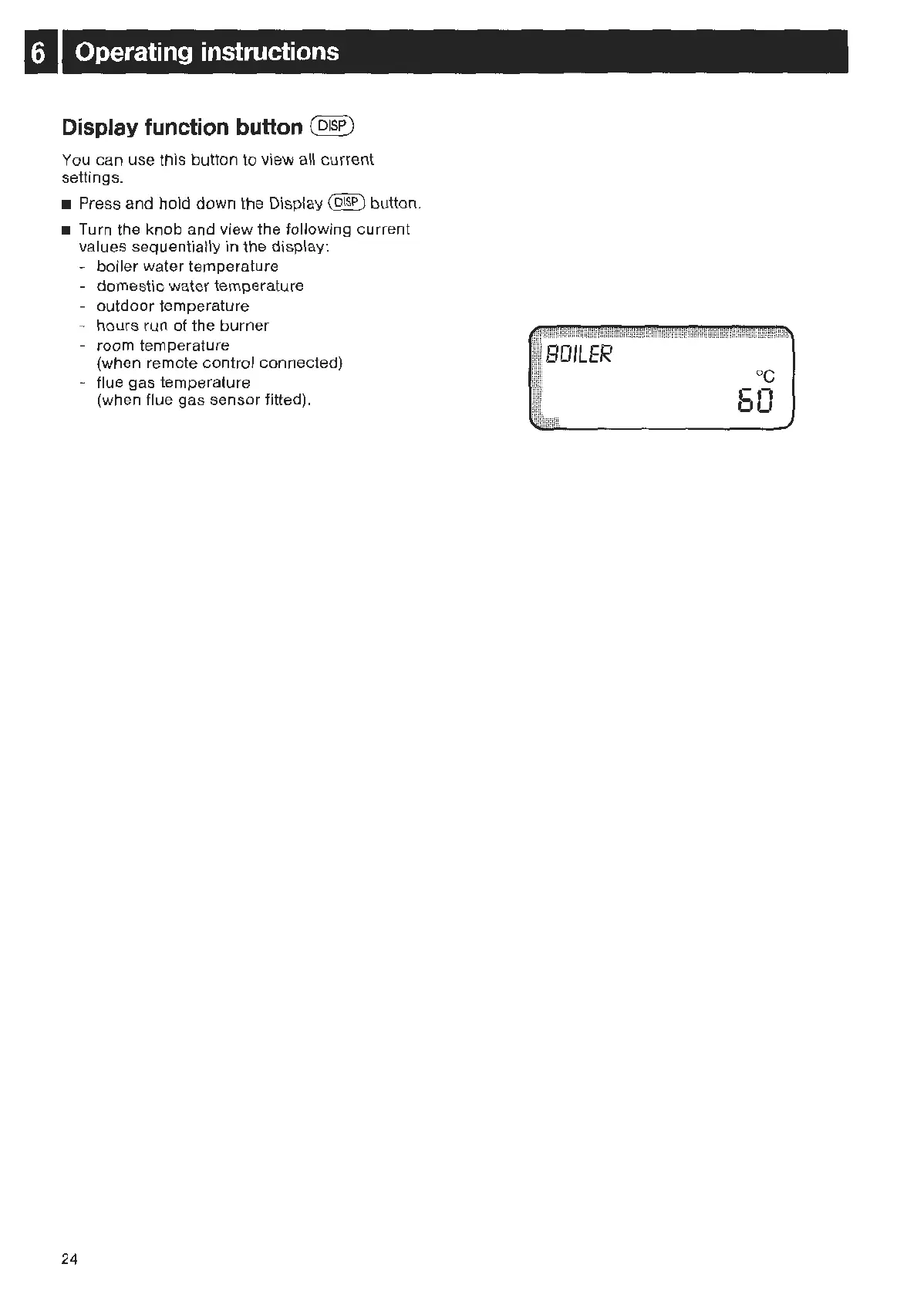
You can use this button to view a
ll
current
settings.
• Press and hold down the Display
(DJSP) button.
• Turn the
kn
ob
and view t
he
following current
values sequentially in the display:
24
- boiler water temperature
- domestic water temperature
- outdoor temperature
- hours run of the burner
- room temperature
(when remote control
co
nnected)
- flue gas temperature
(when flue gas
se
nsor fitted).
BOILER
oc
·-o
-
o



 To Next Page