BFC remote control
Button
functions
The buttons have the sa
me
function as those on
t
he
remote control and can be set on the
co
ntrol
panel
or
the remote control.
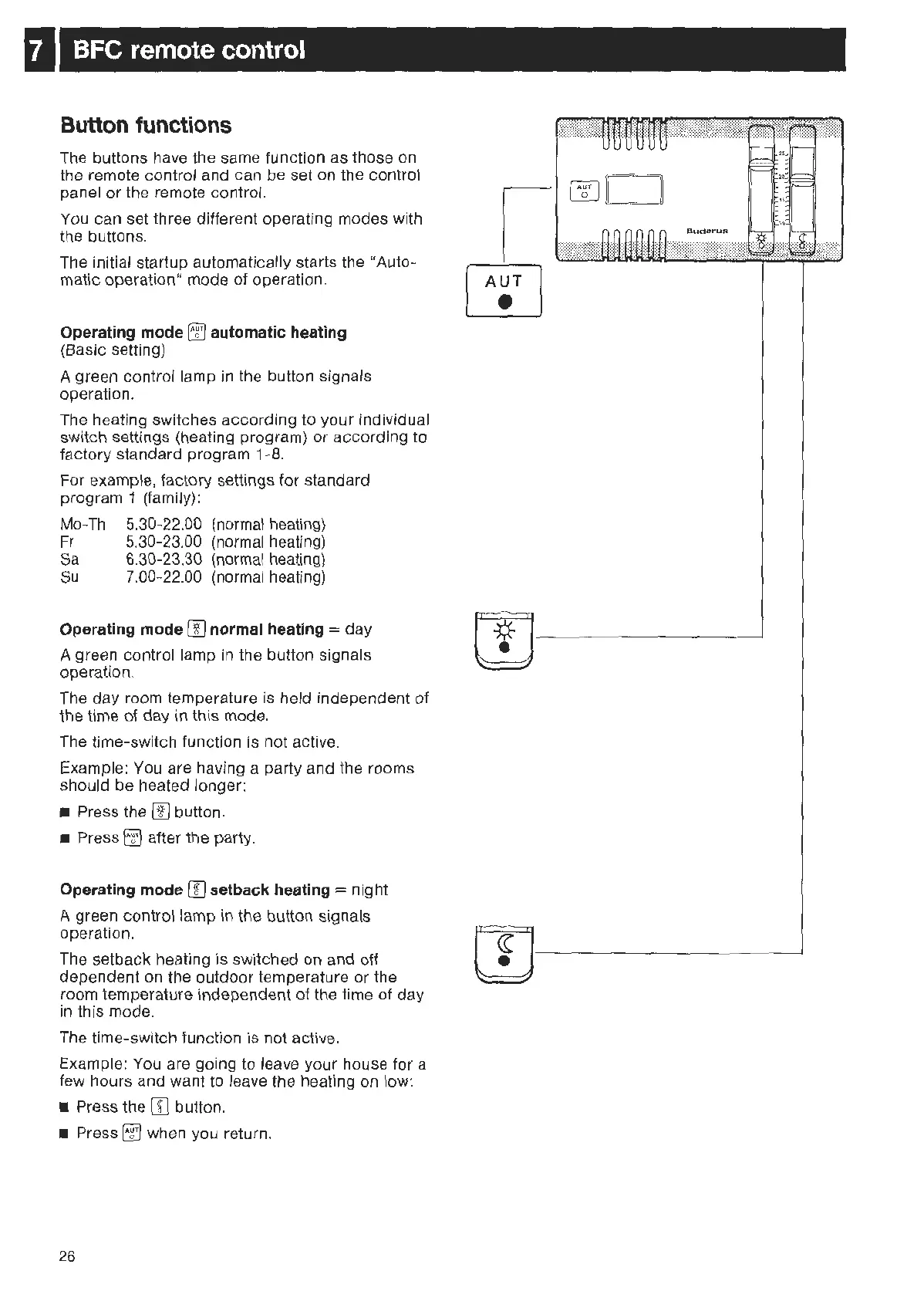
You can set three different operating modes with
the buttons.
Th
e initial startup automatically starts the "Auto-
matic operation" mode of operation.
Operating mode
tTl
automatic heating
(B
asic setting)
A green control lamp
in
the button signals
operation.
The heating switches according to your individual
switch settings (heating program)
or
according to
factory standard program 1-
8.
For example, factory settings for standard
program 1 (family):
Mo
-
Th
5.30-22.00 (normal heating)
Fr
5.30
-23.00 (normal heating)
Sa
6.30-23.30 (normal heating)
Su
7.00
-22.00 (normal heating)
Operating mode
00
normal heating = day
A green control lamp
in
the button signals
operation.
The day room temperature is held independent of
the time
of
day in this mode.
The time-switch function is not active.
Exampl
e:
You are having a party and the rooms
should be heated longer:
• Press the
[I]
button.
• Press
rrJ
after the party.
Operating mode (I] setback heating = night
A green control lamp in the button signals
ope
ra
tion.
The setback heating is switched on and off
dependent on the out
door
temperature
or
the
room temperature independent
of
the time of day
in
this mode.
Th
e time-switch function is not active.
Example: You are going to leave your house for a
few hours and want to leave the heating on low:
• Press the
[JJ
button.
• Press
rrJ
when you return.
26
I
I
A~T
I
C!J
---
m
------'



 To Next Page