- 2 -
For users of Windows 7, Vista, or Mac OS X (10.4 and later), software supplied with the AirStation can
be used to check the quality and strength of the wireless signal.
Windows 7/Vista
Note: · If Client Manager V is not already installed, install it from the utility CD.
· Client Manager V does not support Windows XP.
Appendix B - Checking Wireless Signal Quality
3
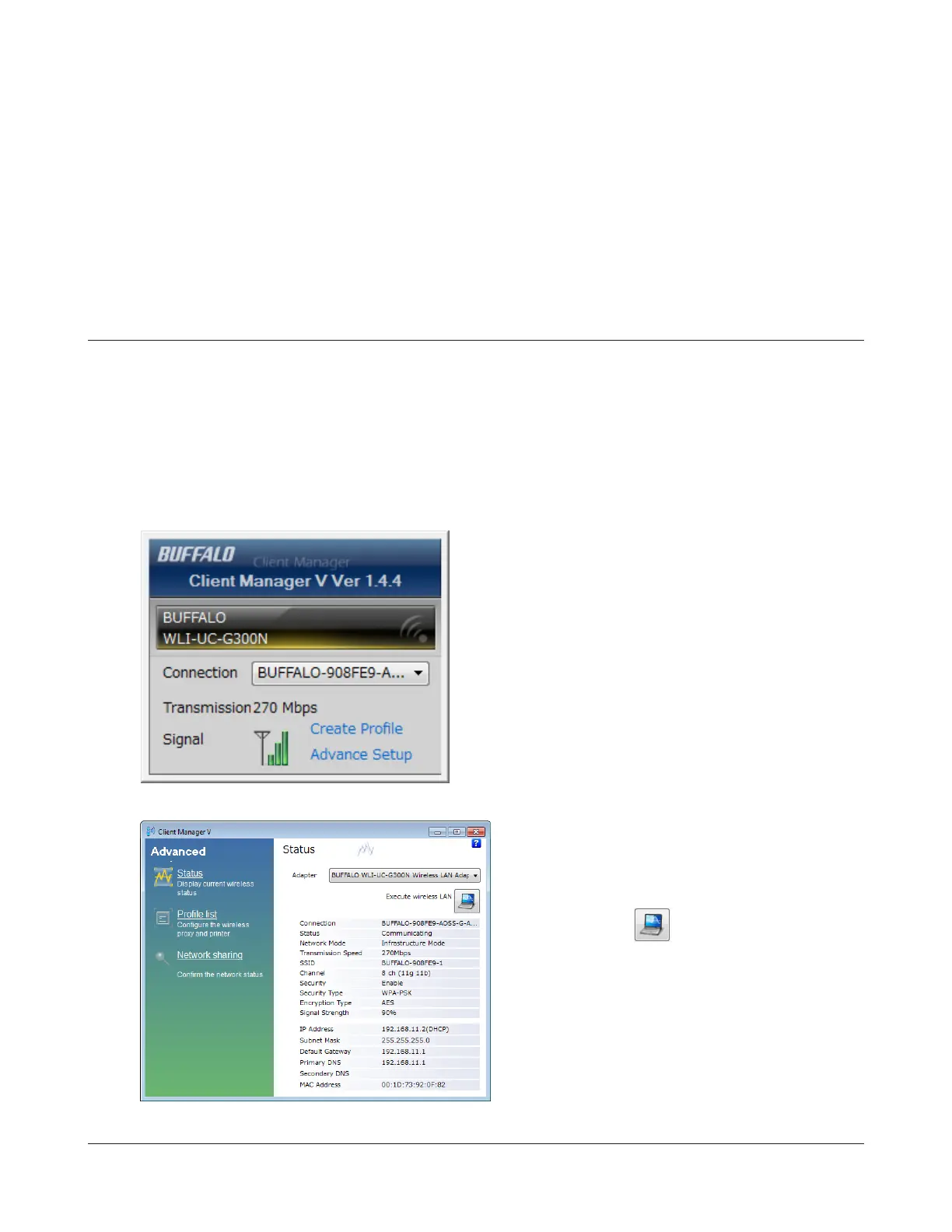
When the Client Manager V status screen is
displayed, click .
1
Click [Start] > [All Programs] > [BUFFALO] > [AirStation Utility] > [Client Manager V].
2
Click [Advanced Setup].



 To Next Page
 Loading...







