EasyManua.ls Logo

Buffalo CW146 - User Manual

Buffalo CW146
8 pages
Print Icon
To Next Page IconTo Next Page
Loading...
Model:
CW146
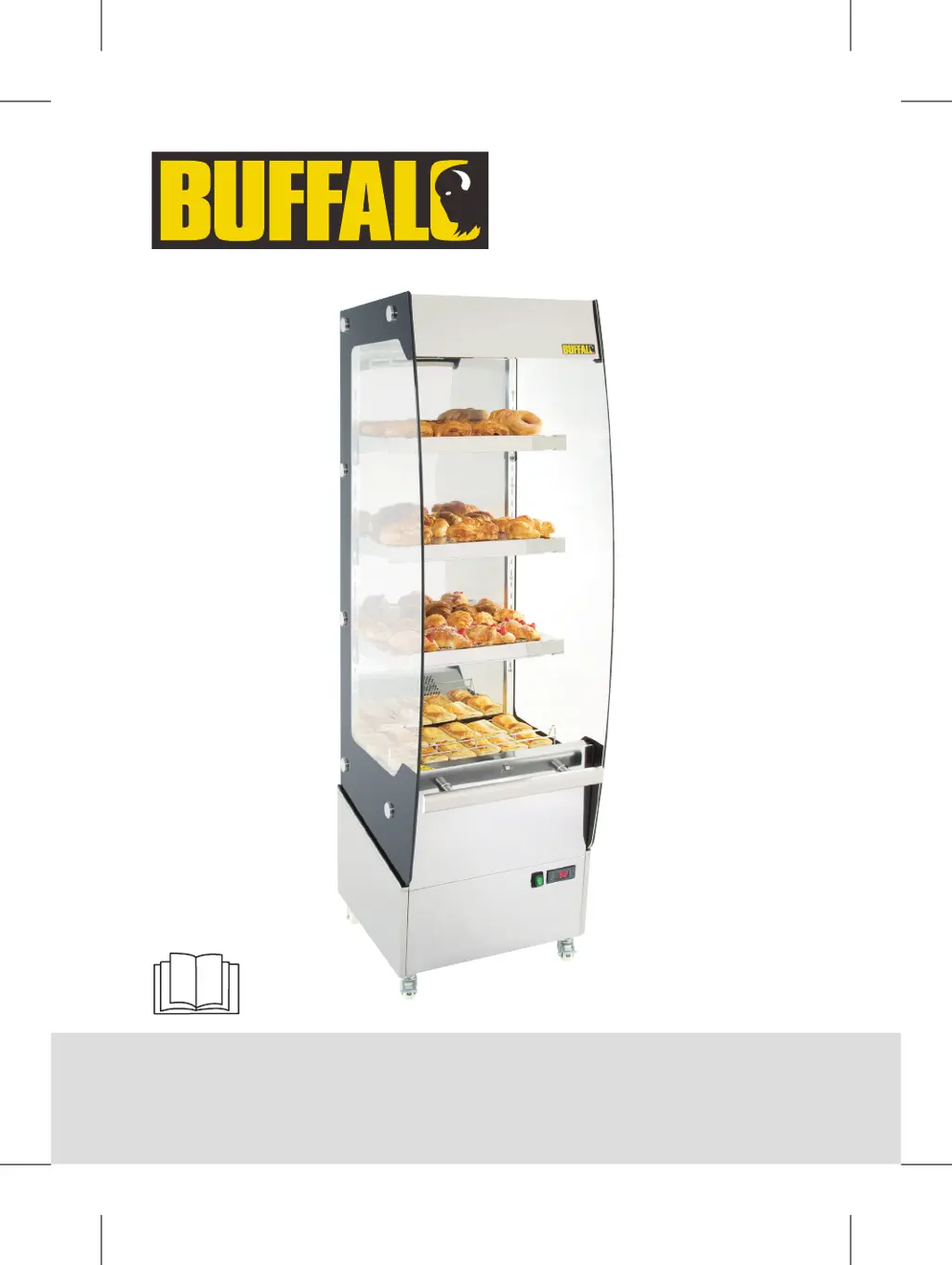
Heated Multideck
Instruction manual
CW146_UK_A5_v1_171206.indb 1 2017/12/6 10:31

Questions and Answers

  • M
    michelevaughanAug 4, 2025
    What to do if my Buffalo CW146 Food Warmer is not working?
    • A
      aaron46Aug 5, 2025
      If your Buffalo Food Warmer isn't working, first ensure it's correctly plugged in and switched on. Check the power supply. Also, inspect the plug fuse and replace it if necessary. If the plug, lead, or internal wiring are damaged, it's best to call a Buffalo agent or a qualified technician for assistance.
  • J
    Julie JamesAug 10, 2025
    Why is my Buffalo Food Warmer not heating properly?
    • A
      April WangAug 10, 2025
      If your Buffalo Food Warmer isn't heating effectively, several factors could be the cause. Start by ensuring the door is properly shut and hooked in place, and that the temperature is correctly set. Insufficient ventilation may also be a factor, so increase ventilation around the unit. If there's too much food inside, or the food is too cold, remove some of the contents.
  • A
    ariosAug 17, 2025
    How to fix loud noises coming from my Buffalo CW146 Food Warmer?
    • R
      Rachel BlevinsAug 17, 2025
      If your Buffalo Food Warmer is producing loud noises, it might not be installed on a level or stable surface; check its position and adjust if needed. Also, ensure the appliance isn't too close to a wall or any other object. If it is, move it to a well-ventilated location.
  • P
    phillipscathyAug 23, 2025
    Why does my Buffalo CW146 have an odor?
    • A
      Angela CobbAug 23, 2025
      If there's an odor coming from your Buffalo Food Warmer, it likely needs a thorough cleaning, especially if it hasn't been cleaned in a while.
  • A
    Angela RobinsonAug 28, 2025
    What to do if the lamp in my Buffalo CW146 does not illuminate?
    • S
      Samantha Bennett MDAug 29, 2025
      If the lamp in your Buffalo Food Warmer isn't illuminating, first ensure that the light is turned on properly by pressing the button. If it still doesn't work, the lamp may need replacing, and you should call a Buffalo agent or a qualified technician for assistance.

Summary

Heated Multideck Instruction Manual

Safety Tips and Precautions

Hot Surface Warning

Always wear safety gloves when placing or removing foods due to hot surfaces.

Operational and Usage Precautions

Covers usage restrictions, cleaning methods, handling, and power disconnection.

Appliance Operation

Control Panel Functions

Overview of the control panel, including switches, indicators, and buttons.

Powering On the Unit

Step-by-step guide for turning the appliance on and activating the light.

Adjusting Operating Temperature

Instructions for setting and storing the desired operating temperature.

Cleaning, Maintenance, and Troubleshooting

Troubleshooting Guide

Common faults and their probable causes and solutions.

Declaration of Conformity

Equipment and Directive Details

Lists equipment type, model, and applicable EU directives and standards.

Buffalo CW146 Specifications

General IconGeneral
BrandBuffalo
ModelCW146
CategoryFood Warmer
LanguageEnglish