English - 15
03 OVEN USE
STOPPING THE COOKING
You can stop cooking at any time so that you can:
•
Check the food
•
Turn the food over or stir it
•
Leave it to stand
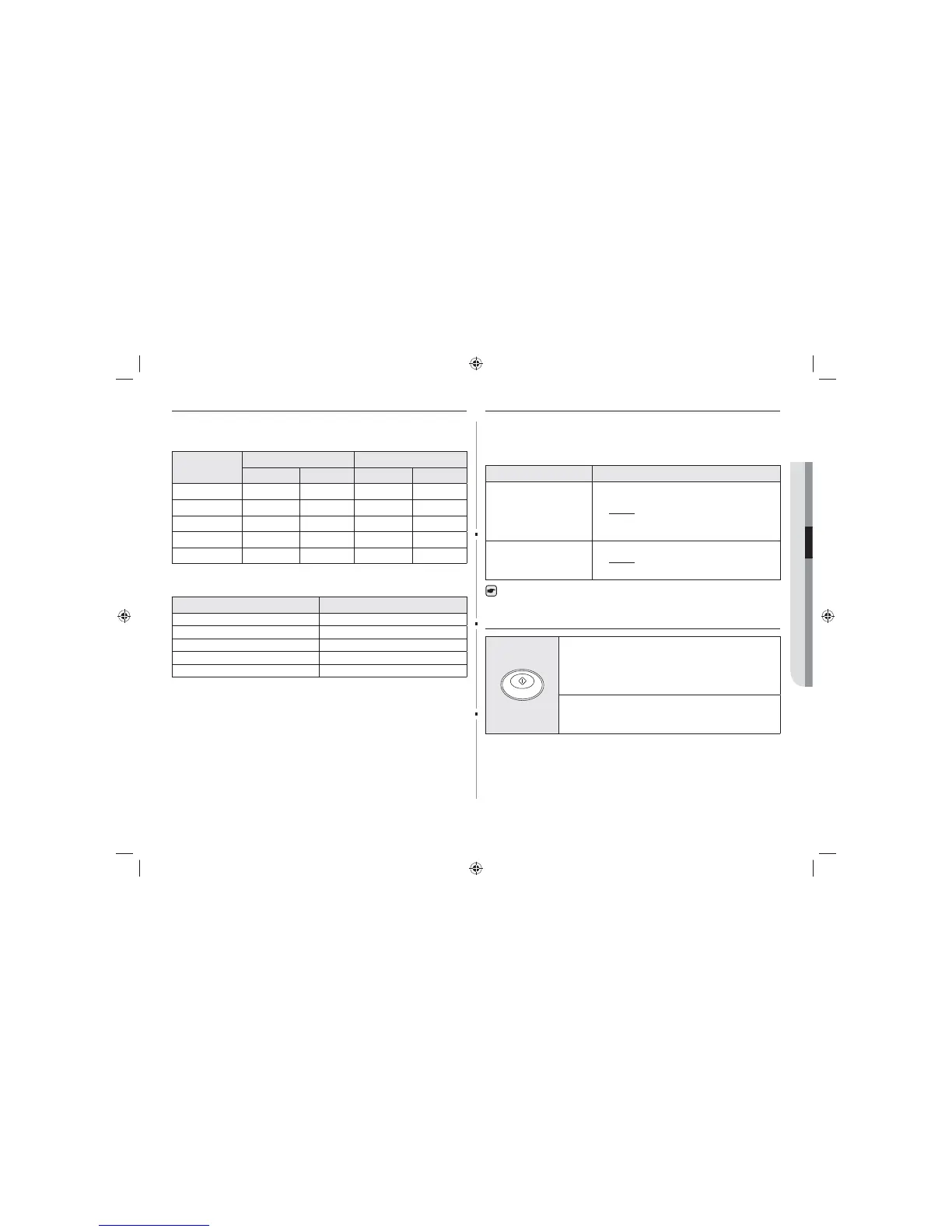
To stop the cooking... Then...
Temporarily Temporarily : Open the door or press CANCEL button
once.
Result: Cooking stops.
To resume cooking, close the door and press START
button again.
Completely Completely : Press the CANCEL button twice.
Result: The cooking settings are cancelled.
If you want to cancel any cooking settings before starting cooking, simply press
CANCEL button once.
REPEAT FEATURES
1. You can repeat the previous cooking setting (regardless
of manual or automatic memory heating) by pressing the
START button. The oven starts with exactly the same
heating time and power level that were used in the last
operation.
2. The repeat feature will be cancelled once the power source
is cut o.
POWER LEVELS AND TIME VARIATIONS
The power level function enables you to adapt the amount of energy dissipated and thus
the time required to cook or reheat your food, according to its type and quantity. You can
choose between the power levels below.
Power level
GK640 GK641
Percentage Output Percentage Output
HIGH 100 % 1850 W 100 % 1500 W
MEDIUM 70 % 1295 W 70 % 1050 W
LOW 50 % 925 W 50 % 750 W
HIGH DEFROST 20 % 370 W 25 % 375 W
LOW DEFROST 10 % 185 W 13 % 195 W
The cooking times given in recipes and in this booklet correspond to the specific power
level indicated.
Power level Max. Time
HIGH 25 mins
MEDIUM 40 mins
LOW 40 mins
HIGH DEFROST 50 mins
LOW DEFROST 50 mins
GK640-E_GK641-E_XEU_DE68-04279B-01_EN.indd 15 2014-06-27 6:49:48


 To Next Page