
 To Next Page
C
Cameron WeaverAug 12, 2025
What to do if a Buffalo Storage hard drive has overheated?
- JJulian ThomasAug 12, 2025
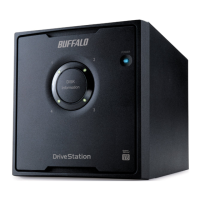
If a hard drive has overheated, first check if the fan on the back is running. If it's not, turn off the Buffalo DriveStation and see if dust has accumulated on it. If cleaning the dust doesn't start the fan, it might be broken, and the hard drive may have failed. Check the access LED to confirm the hard drive status. Even if no access LED for either hard drive is lit red, the hard drive still may have overheated. Turn off the power and wait at least one hour before using it again.
 General