Chapter1 Setup
LinkStation User Manual 5
3
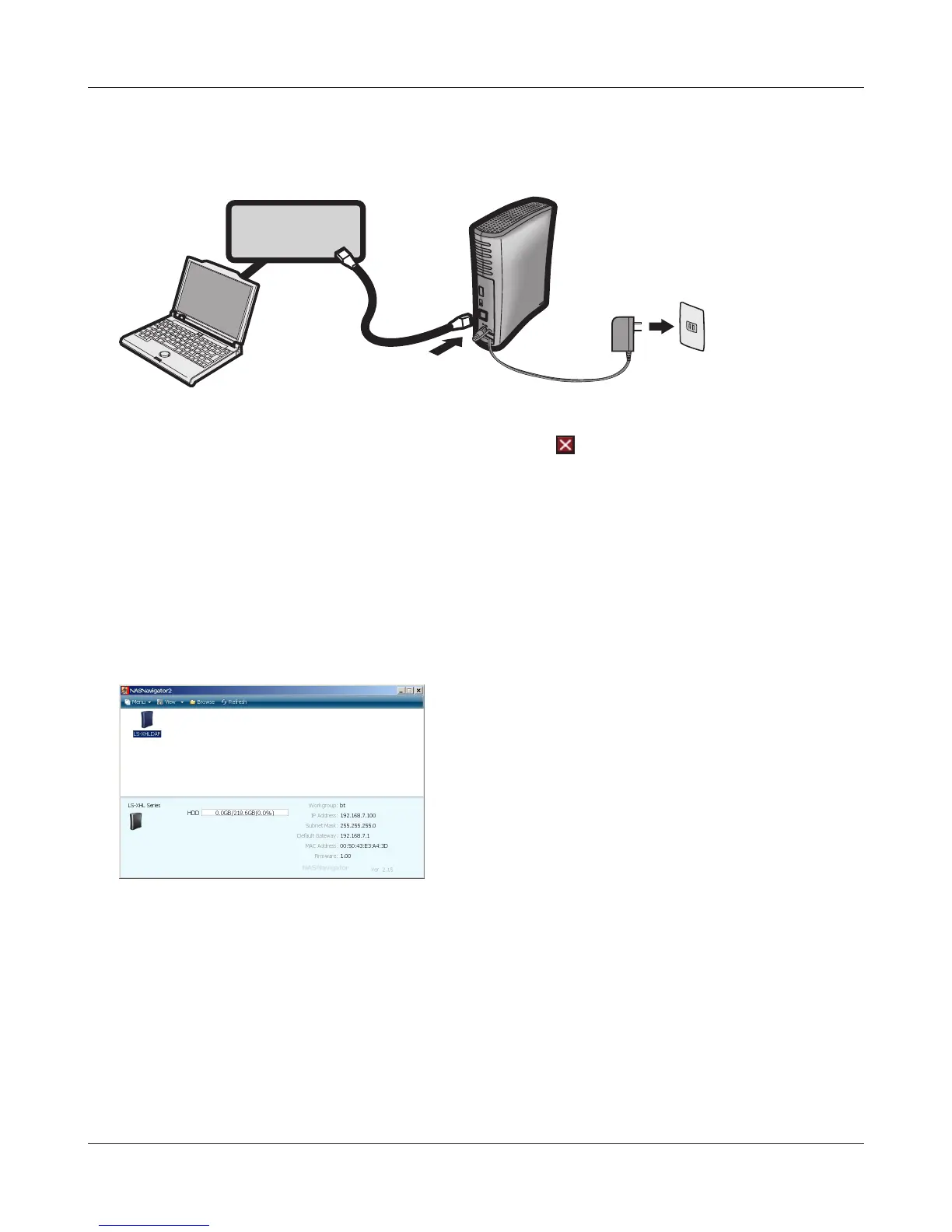
Follow the instructions on the screen to connect and set up (initialize) the LinkStation.
4
You’ve completed initial setup of your LinkStation. Click to close the LinkNavigator.
5
Launch NAS Navigator2.
Notes: For Windows, click [start] - [All Programs] - [BUFFALO] - [BUFFALO NAS Navigator] -
[BUFFALO NAS Navigator2].
For Mac OS X, double click on [NAS Navigator2] icon in the Dock.
6
7
Your LinkStation’s shared folder opens.
Note: With OS X, the shared folder is either mounted as a drive icon on the desktop or displayed
in the sidebar of the Finder.
Setup is complete. You can now use the LinkStation’s shared folder to save les just like another
hard drive.
Double-click on the LinkStation's icon.
Hub or Router













 To Next Page