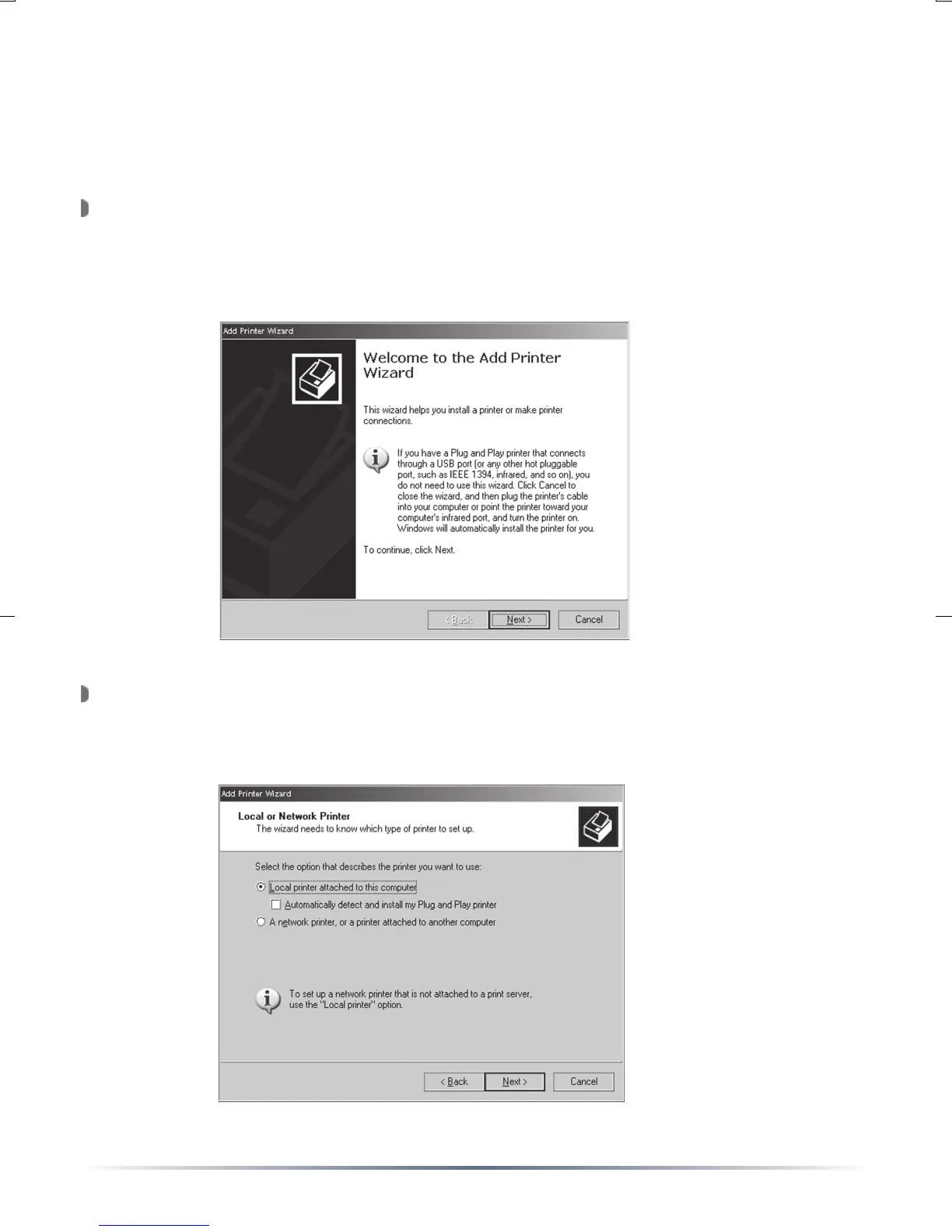
Open the ‘Printers and Faxes’ folder. To do so, open the ‘Control
Panel’ and then open the ‘Printers and Faxes’ folder. Double click on
the ‘Add Printer’ icon. This will open the ‘Add Printer Wizard’. Press
the ‘Next’ button.
Select ‘Local printer attached to this computer’. Also, uncheck the
‘Automatically detect and install my Plug and Play printer’ check box.
Press the ‘Next’ button when finished.
Installing the Printer
Windows 2000 & XP
*Macintosh Procedure on Page 19*


 To Next Page