9
This alarm sounds has a 5 second trial sound, you can
also confirm the ringtone you want in advance by
pressing the ALARM SOUNDS button.
Note:
Ringtone Setting
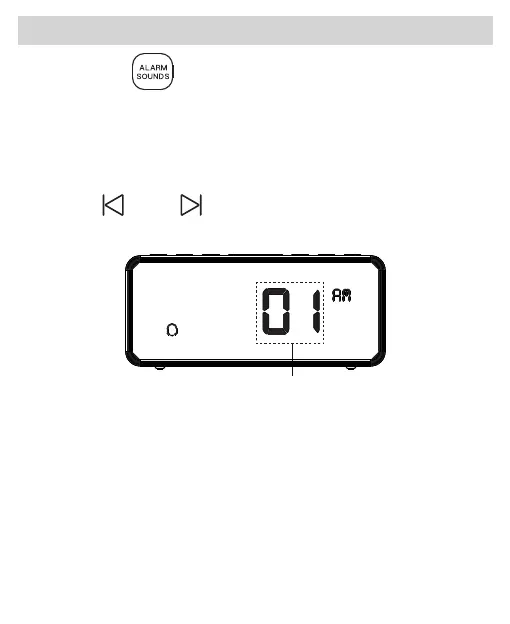
1.Press the “ ” ALARM SOUNDS button to confirm
and enter ringtone setting. A number will be shown on
the display and sound will be played accordingly to
indicate the alarm ringtone ( # 01 is beep, #02 is birds,
#03 is bells, #04 is piano music, #05 is FM radio).
Press “ ” or “ ” button to select your preferred
ringtone.
Beep Alarm Blink



 To Next Page