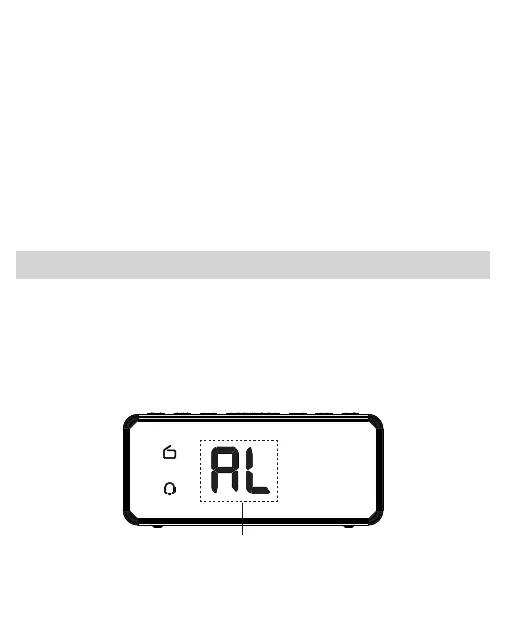
Radio Alarm Setting
When the radio is on, you can select the channel you
want, then press and hold the “SNOOZE” button until
the icon “AL” blinks on the display. The clock immediately
saves this station as Wake Up Radio Alarm Sound.
2.Press the “ ” or “ ” button to adjust the
Radio Volume.
12
When the radio is on, the volume adjustment is only used
for FM radio volume. When the radio is off, the volume
adjustment is only used for alarm sounds, the volume
of the radio will not be affected.
Note:
VOL
-
VOL
+
Blink Once



 To Next Page